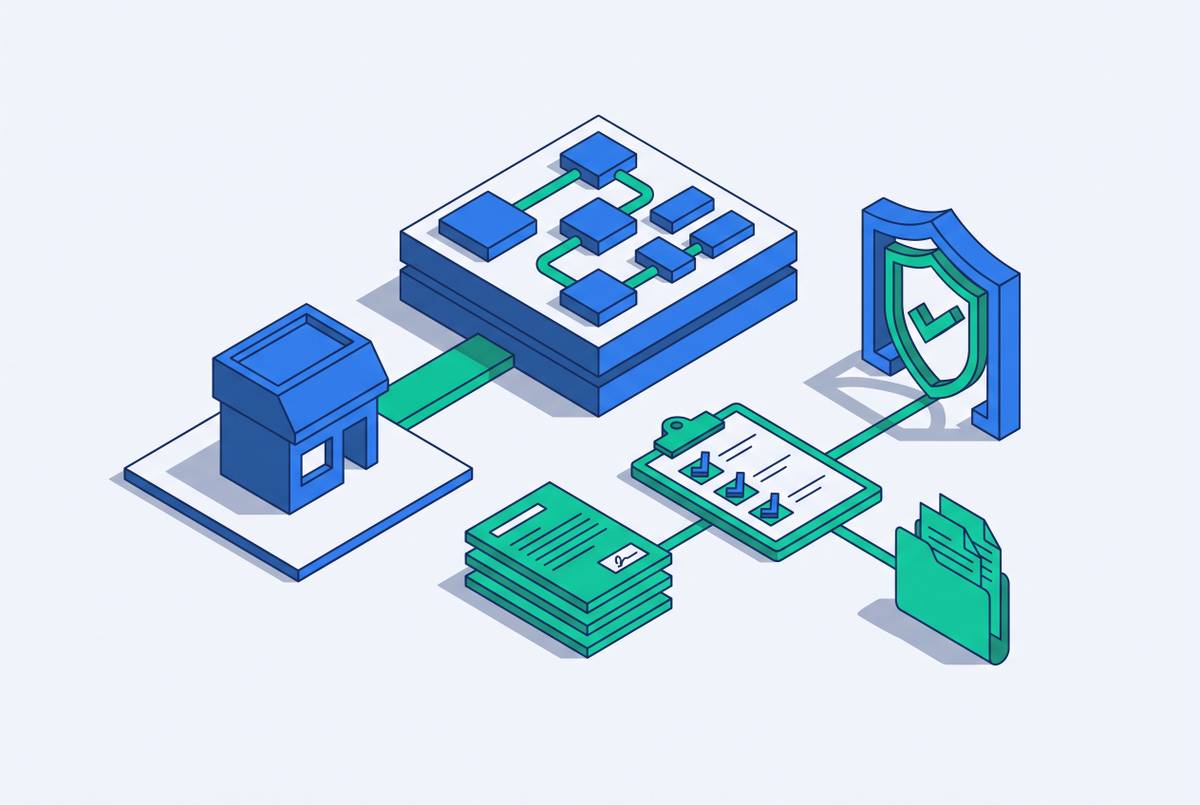
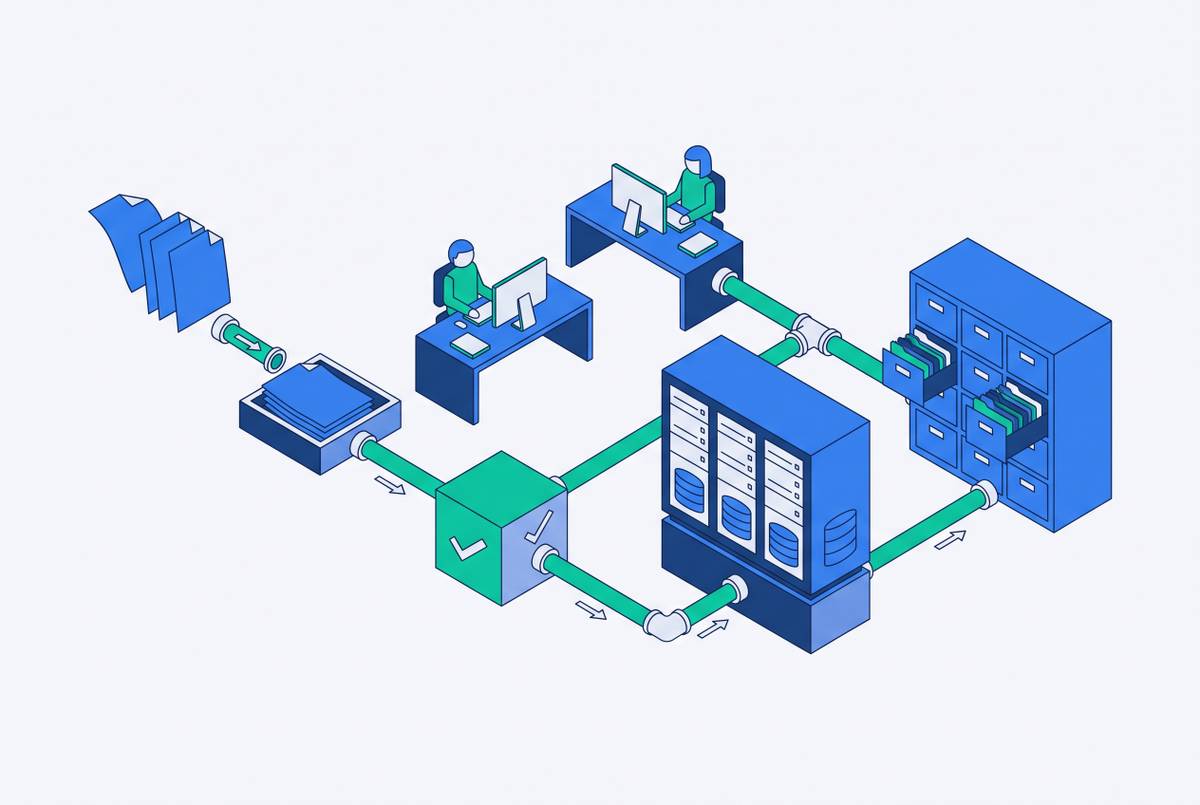
PO-Flip Rules and Invoice Rejection Logic in SAP Ariba
When PO versions change, invoices built on old data get rejected automatically.
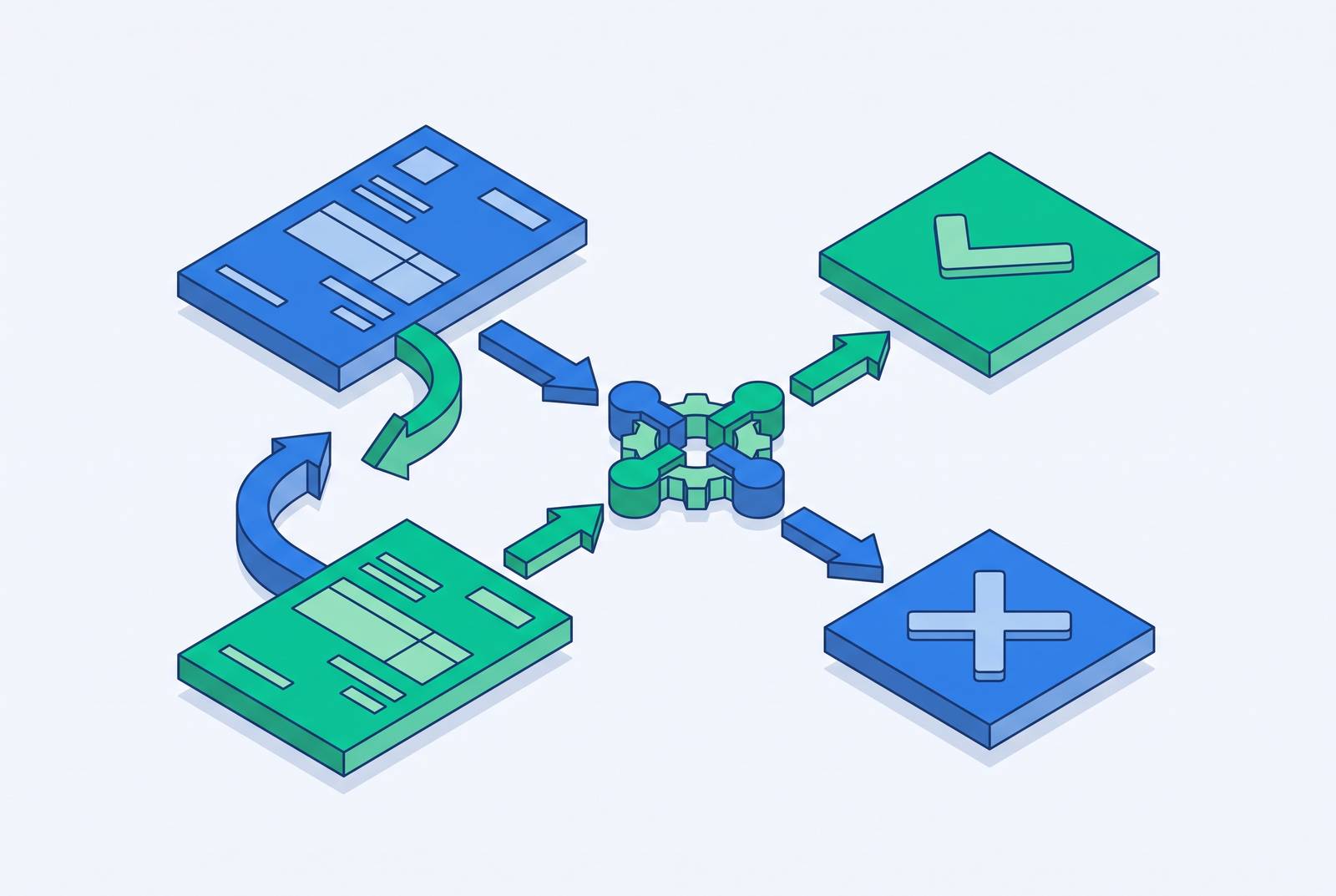
PO-flip is SAP Ariba's fix for a problem as old as paperwork itself: people mistype numbers. The feature takes a purchase order and clones its data straight into an invoice, so a supplier never has to re-key a quantity, a price, or a PO number by hand.
PO-flip
A supplier opens the purchase order inside the Ariba Network and converts it into an invoice with the PO's own fields already filled in. The two documents end up structurally identical, and that shared shape is what lets the system check one against the other automatically. A document built from scratch gives a validation engine nothing to compare it to. A document that's a mirror image of its source gives it everything.
Two documents matter here, and they're easy to mix up. The invoice is the supplier's actual payment request, and once submitted, it stays frozen for audit purposes. No edits, no overwrites. The Invoice Reconciliation record, or IR, is a separate copy the system generates on its own, and it's where every exception gets worked out: mismatches, holds, approvals, all of it. SAP Ariba draws this line on purpose. Suppliers who assume the invoice is the only document in the room are missing where the actual decisions about their payment get made. That's the IR, not the invoice.
Status prerequisites that must be met before a flip is even possible
Before any PO-flip can happen, the PO itself has to pass its own checkpoints, and this is where a lot of rejections start without a supplier realizing it.
The purchase order has to sit in "Received" or "Partially Received" status. If it's sitting in anything else, the invoice button won't work. Ariba's FAQ for Standard Account suppliers spells this out directly: the "Create Invoice" button stays greyed out until Goods Receipt has gone through, and that's a common point of confusion for suppliers who stare at an inactive button wondering what they did wrong. For suppliers on an NTU account, Order Confirmation isn't required to unlock invoicing, so that's not the hold-up.
A supplier who ships the goods but skips a step like Order Confirmation, where that step is required, will find the invoice option locked, and the fix has nothing to do with the invoice form itself. It lives upstream, back in the order process. AES's supplier invoicing guide makes the same point from the other direction: when an invoice comes back rejected, the first thing to check isn't the invoice data, but whether a required document like Order Confirmation ever got completed.
Hard constraints on what a supplier can and cannot change during a flip
Once a flip is actually possible, the system fills in the invoice but keeps a tight grip on certain fields, and a supplier who knows which ones are locked versus open can tell whether a submission will be clean or rejected.
Quantity and unit price sit at the top of the locked list. A supplier can invoice up to the PO quantity and no further, and the unit price can't be touched. Thomson Reuters spells this out in its own supplier guide as the rule governing how it has set up its Ariba trading relationships, which is a useful reminder that these aren't universal Ariba laws so much as buyer-configured settings. The ceiling itself depends on how the PO was written: amount-based POs cap out at the total dollar figure, quantity-based POs cap out at the unit count.
Taxes, discounts, and surcharges don't come along for the ride automatically. They have to be added by hand during invoice creation, unless the buyer has specifically set up default inheritance for those fields. This catches people constantly, because the whole appeal of PO-flip is that it's supposed to be automatic end to end, and then a supplier finds out the tax line didn't carry over and has to go add it manually. Assume nothing transfers unless it's been confirmed.
Partial invoicing works, too. A supplier can leave certain line items out of a flip and bill for them later, but the system is tracking both dollar value and quantity against the PO's running balance the whole time, so the total across every invoice still can't cross the PO ceiling. Service Entry Sheets are the exception to the exception: AES's guide confirms that partial invoicing isn't available there. Quantity can't be adjusted line by line, and lines can't be dropped, which is a real difference for anyone invoicing against service orders rather than goods.
Version control as a rejection trigger: what happens when the PO changes
Purchase orders aren't static once they're issued, and when a buyer amends one, any invoice still pointing at the old version gets rejected automatically. Knowing which version is current turns out to be just as important as getting the numbers right.
An invoice built against an obsolete PO version gets turned away. A supplier needs to start every flip from the newest PO notification rather than whatever email or bookmark happens to be sitting around. When a buyer updates a PO, Ariba sends out a fresh notification and bumps the version number. Opening an old email or an old link just points the supplier at a version the system no longer recognizes.
This sets a trap that's easy to walk into without doing anything wrong. A supplier starts filling out an invoice against one PO version, steps away for a bit, and in the meantime the buyer amends the order. If the supplier picks the invoice back up without checking, the version underneath has already changed. The Severn Trent Water supplier guide lays out the downstream fix: if the invoice total would end up exceeding the PO value, the supplier has to go back to the buyer and get the PO amended first. Adjusting the invoice to make the numbers fit isn't an option on the table.
Locking down fields cuts errors beautifully on orders that don't change, but this rigidity makes any mid-contract adjustment more of a production than manual invoicing ever was. Every deviation needs a formal PO amendment. There's no quiet invoice-level fix available.
Network-level validation and error catching
Once an invoice gets submitted, the Ariba Network runs its own check before the document ever lands in the buyer's system, and that catches a specific set of problems early.
Every invoice gets checked against that particular buyer's invoicing rules at the network level, and for online invoices, including flips, errors appear onscreen while the supplier is still filling out the form, giving a chance to fix things before hitting submit. The usual suspects: a PO number that doesn't match what's in the buyer's system, the wrong line item selected off that PO, a quantity or unit price that doesn't line up with what the PO says, tax fields that are missing or wrong, required fields like invoice date or supplier ID left blank, an invoice currency that doesn't match the PO's currency, or a duplicate invoice number (unless the earlier one with that number was rejected, in which case reusing it is fine).
Even the dates are buyer-controlled. Buyers set their own limit on how far back an invoice date can be from the submission date. Newell Brands, for example, configured a three-day window for backdating and a seven-day window for future-dating, which shows just how much this one setting can swing from buyer to buyer. Country rules stack on top of all this. Thomson Reuters' guide notes that suppliers based in countries where e-invoicing isn't permitted still see the "Create Invoice" button, but hitting submit throws an immediate error citing country of origin. Those suppliers have to send the invoice separately, quoting the PO number and line numbers, to the Bill To address printed on the PO itself.
Invoice Reconciliation tolerance rules and payment outcomes
Clearing network validation doesn't mean an invoice is in the clear. It still has to pass through the IR's tolerance rules, and the buyer's specific configuration decides whether a discrepancy gets waved through, flagged for a human, or bounced.
SAP describes the IR as the working document where every exception rule actually plays out. The original invoice never gets touched, so it stays intact for audit purposes, while the IR carries all the reconciliation logic on a separate track. Each type of exception has its own tolerance setting, and those settings can be a flat number, a percentage, or sometimes only one or the other, since not every exception type supports both. Absolute tolerance gets checked first, and depending on how the buyer has it set up, that check runs either against the whole invoice or just against the specific difference in question.
Whether the mismatch gets checked at the header level or the line level is itself a setting the buyer chooses. Header-level checks throw an exception if anything in the invoice summary falls outside tolerance. Line-level checks flag individual items, which lets one bad line get resolved without holding up the rest of the invoice, though nothing gets paid until every flagged item is cleared. If the IR does reject an invoice, it rejects the whole thing, not a portion of it, and sends it back to the supplier with the relevant details attached. Fixing it means submitting a corrected invoice, usually through the Edit and Resubmit option on the rejected one. When the data on the invoice matches the PO exactly, no extra approval is needed. Any mismatch kicks off the IR exception process and holds payment until it's sorted out, and SAP's own documentation treats this as the core logic running the whole procure-to-pay matching step.
The payment timing and working capital cost of rejection
A rejected invoice doesn't pause the payment clock. It resets it. AES states that payment terms start counting from the date the invoice was originally submitted through the Ariba Network, and those terms can't be changed during submission. What AES doesn't spell out is whether a rejection and resubmission starts that clock over, but the practical effect is close enough: a corrected invoice has to work its way back through the approval queue from the start, not from wherever it left off.
Each rejection sets off the same sequence: figure out what went wrong, loop in the buyer if needed, fix the invoice, resubmit it, and wait for it to work through approval again, all before the payment clock even starts counting. For a supplier processing a high volume of invoices, repeated rejections add up fast, stretching out Days Sales Outstanding and tying up working capital that would otherwise be sitting in the bank. Rejections that land near month-end hurt more, since correction backlogs spilling into the next reporting period strain finance teams already under pressure. None of this stays contained to one invoice, either. Repeated delays or rejections that never get explained clearly tend to erode trust between supplier and buyer, which can quietly shift into worse payment terms or lower priority down the road.
Where the PO-flip model breaks down
PO-flip's whole pitch rests on the PO being right from the start, and real business doesn't always cooperate. Price adjustments, freight charges nobody priced in up front, partial changes to scope, these force amendment cycles that bring back exactly the delays PO-flip was supposed to remove.
The core tension is simple: automated invoicing assumes the PO data is accurate, but commercial reality keeps introducing changes that locked fields can't absorb without a formal amendment first. The Severn Trent Water guide shows this in plain terms. If a supplier needs to invoice for even slightly more than the PO allows, the process is to stop, reach out to the right contact, get the PO amended, and only then submit. There's no invoice-level workaround mentioned anywhere in that guide, and that's the whole point.
Tolerance settings add a second layer of friction, because they're hard to get right on the first try. It's genuinely difficult to predict how many exceptions a given tolerance configuration will generate before it actually goes live, so most organizations end up watching exception volume after rollout and adjusting from there. Tighter tolerances cut down on fraud risk but pile more manual reconciliation work onto someone's desk, and reasonable people disagree on which of those two problems to solve for first. None of this makes PO-flip a weak system. It means the system runs cleanest on stable, well-specified orders, and it runs into the most friction exactly where commercial relationships tend to be messiest and most dynamic.
Reducing rejections given the system's configuration
Since both the network validation rules and the IR tolerance rules get set buyer by buyer, there's no single checklist that works across every customer. The more reliable approach is learning each buyer's specific setup before submitting anything. Suppliers can start by checking the buyer's General Invoice Rules inside the Ariba Network ahead of a first submission. The AES guide and the Newell Brands guide both point to the same place: the Customer Relationships section under Account Settings, where tax handling, date tolerance, and whether validation runs at the header or line level are all laid out. Every flip should start from the most recent PO notification rather than a saved link or an old email, since that's the simplest way to dodge a version-mismatch rejection before it happens. Before attempting to invoice at all, it helps to confirm that every upstream requirement, like PO status or Order Confirmation where it's required, has actually been met, since a locked invoice button is a symptom of something earlier, not the actual problem. Taxes, shipping, and other charges need to be added by hand during the flip even when that information sits right there on the PO, because assuming it carries over automatically is a bet that only pays off if the buyer has specifically configured default inheritance. Whenever a real transaction drifts from what the PO says, whether that's a price change, an added freight charge, or a scope adjustment, the safer move is getting the buyer to amend the PO before submitting, rather than hoping a tolerance setting happens to absorb the gap, since that behavior varies unpredictably from buyer to buyer. Where a buyer has set up rejection reason codes, tracking them closely pays off, because the code is the quickest way to tell whether a fix sits on the supplier's side, like a missing field or wrong quantity, or needs the buyer to act, like amending a PO or adjusting a tolerance setting. And for suppliers juggling several buyers at once, each with its own tolerance rules, date policies, tax handling, and portal quirks, the real work is staying on top of Ariba, Coupa, and whatever other portal a given customer runs, consistently enough that invoices actually turn into cash.