Vendor Onboarding Requirements in Coupa for New Suppliers
Coupa onboarding varies by buyer, country, and registration method.
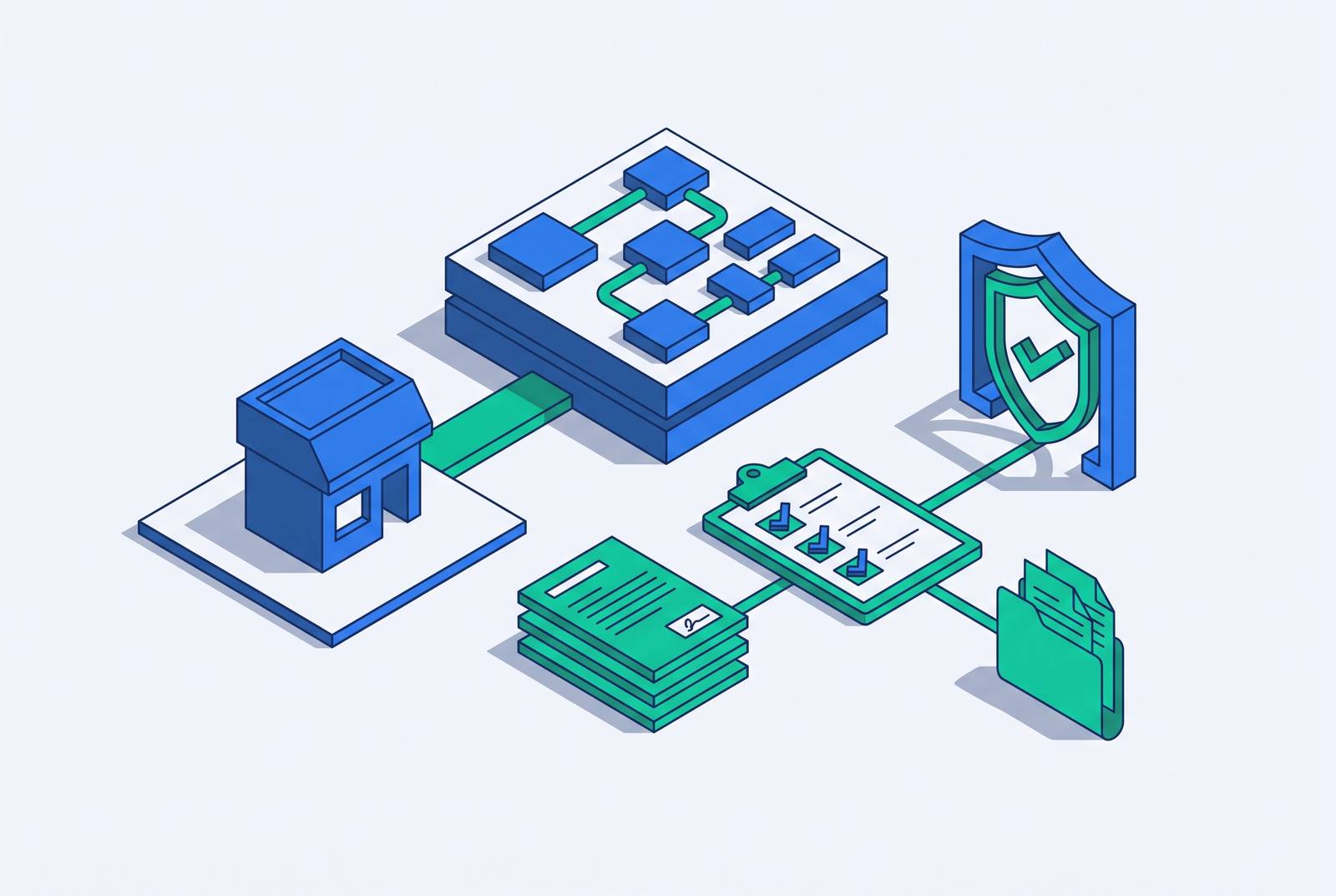
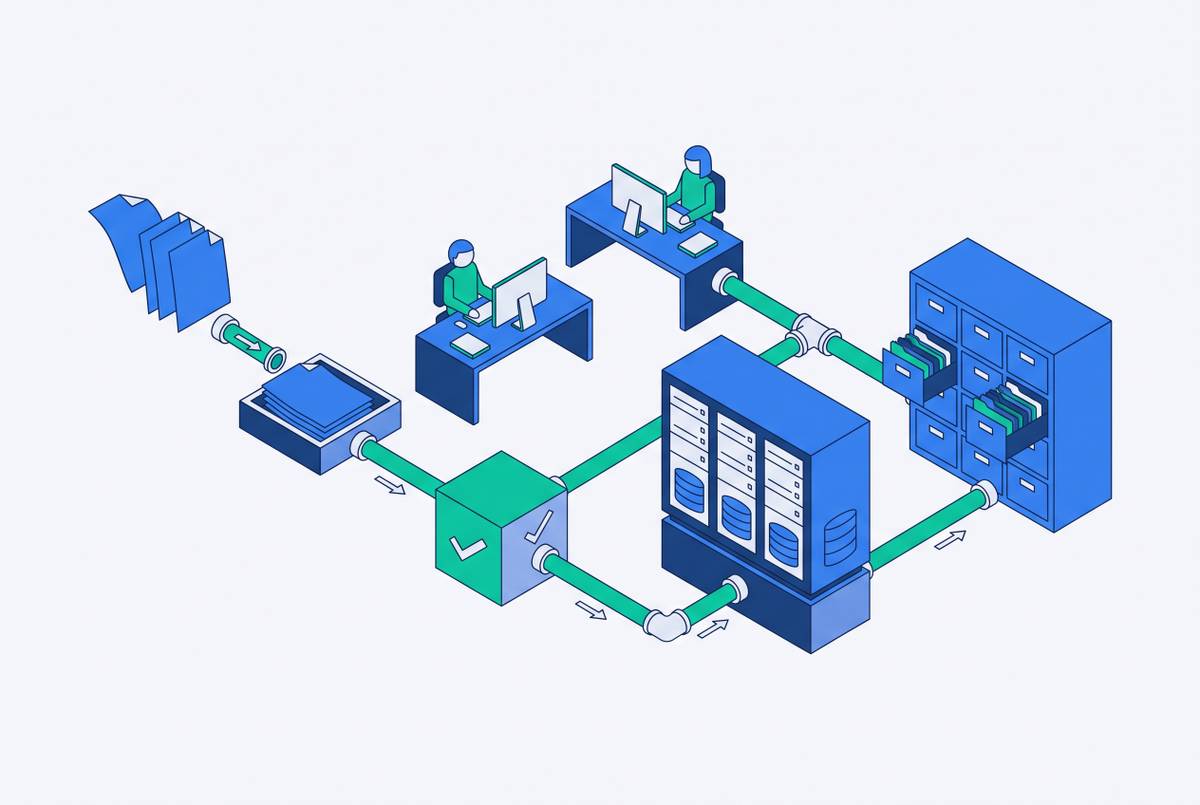
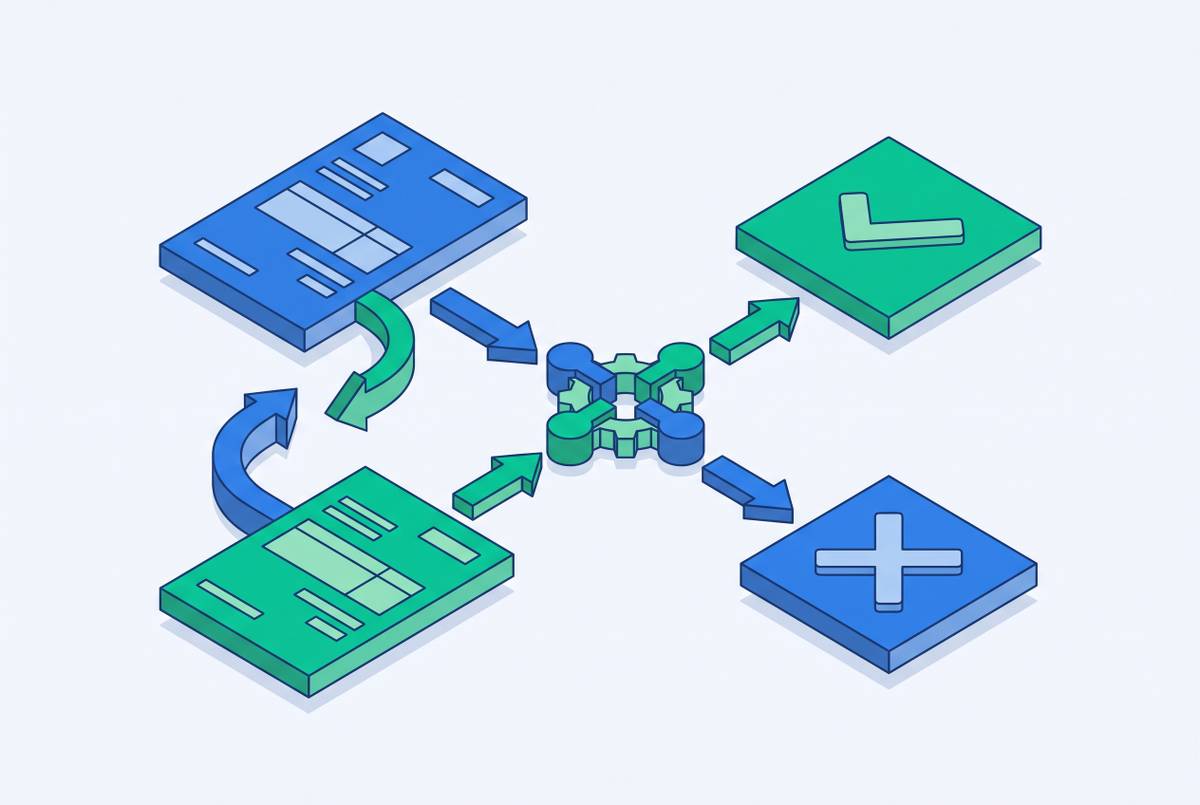
There's no single path through Coupa onboarding, and that's by design, not by accident. Every new supplier works through a mix of platform rules that apply to everyone and buyer-specific settings that change from customer to customer. Two suppliers can start on the same day and end up in completely different workflows, because the registration method (whether a buyer invited them, they self-registered, or they connected through cXML), the supplier's country, the buyer's own Coupa setup, and the type of transaction, whether that's a catalog order, a purchase order, an invoice, or contingent labor, all shape which path they take. Coupa's own onboarding documentation says it outright: the process "is different for every user depending on their registration method, their country, their buyer's preferences and the specific process they want to complete." One thing holds steady no matter what combination a supplier lands in: every new account needs a legal entity and a payment method tied to it. Before any of the technical setup starts, the supplier and buyer need to agree on how catalogs will be shared, how purchase orders will get sent, and whether Coupa will handle invoicing. Skipping that conversation turns the rest of onboarding into data entry with no destination.
Account creation: the fields every new supplier must complete first
Every new Coupa Supplier Portal (CSP) account starts in the same place, no matter the buyer or the country: primary address, legal entity name, and tax registration information. These three fields are the foundation everything else gets built on, and they lock once submitted.
Picking the wrong country during setup leaves no edit button waiting on the other side. Coupa's tax registration screen changes based on the country selected, pulling in different fields depending on local requirements, and once that selection is saved, the fields it triggers come with it for the life of the account. Fixing a wrong country means building an entirely new account from zero. Coupa describes tax registration data as "critical to manage transactions with buyers and several processes in Coupa," which is a polite way of saying get it right the first time.
The screens also move in one direction. If you're rushing through to get to the finish line, slow down here, because speed is how the country-lock trap catches people.
Tax documentation requirements and W-9 compliance
Once the legal entity and address are in place, Coupa moves suppliers into tax documentation, and whether payments actually process depends on completing it. For a U.S. supplier, that means a Taxpayer Identification Number (TIN), a legal name exactly as it appears on the W-9, a tax filing status, and a backup withholding status. The legal entity name and address you enter in Coupa need to match the W-9 word for word. Not close. Not "basically the same." Exactly.
A TIN that doesn't match IRS records doesn't end onboarding on the spot, but it does trigger a loop: the supplier resubmits until the record matches. Payments can still continue during that window, but they're subject to IRS backup withholding, so that's a cost you don't want to carry longer than necessary.
Suppliers outside the U.S. have their own set of hoops. Depending on the country, Coupa may require certifications such as CIN, GST, MENA, MSMED, or SEAL, each one carrying its own effective and expiration dates that need to be entered correctly. Some buyers layer extra scrutiny on top of all this. Kimberly-Clark's supplier onboarding guide can require select suppliers meeting certain risk criteria to complete a Financial and Legal Assessment questionnaire, essentially a due diligence review of the supplier's financial and legal standing. Enterprise Mobility takes a similar approach with its Supplier Response Form, which covers tax classification and Tax ID, and it has to be completed before the account goes active. Tax documentation is the compliance backbone: whether money moves at all depends on it.
Payment method setup: legal entity creation and remit-to configuration
After tax registration comes the step that decides whether a supplier actually gets paid: setting up the legal entity and attaching a payment method to it. No legal entity, no payment method, no payment, full stop on that logic. Coupa walks suppliers through two payment screens back to back, virtual card first, then bank transfer.
On the virtual card screen, you need to give an email address to receive card details. Suppliers who don't take virtual card payments can check a box reading "My company does not accept Virtual Card payments" and move past it without filling anything in. The bank transfer screen asks for more: the bank account's country or region, currency, beneficiary name, account number, an international account identifier where it applies, and a routing or bank code. Suppliers who don't accept bank transfers get the same kind of opt-out, checking "My company does not accept Bank Transfer payments" to continue.
The banking details you enter here feed directly into the buyer's ERP system and future payment runs, so accuracy matters. A typo in a routing number doesn't just sit quietly in a database. It follows the supplier into every payment cycle until someone catches it and fixes it, usually after a payment has already gone somewhere it shouldn't. ACH tends to be the preferred bank transfer method for a lot of buyers, and suppliers should also set a Remit To address that lines up with the banking information on file, since a mismatch there raises its own red flags.
None of this is permanent, at least. Legal entities and payment methods can be edited, added, or removed after onboarding through Business Profile > Payment Methods and Business Profile > Legal Entities. But some buyers add their own verification on top of the baseline. Clearwater Paper, for example, requires a Bank Verification Letter on the bank's official letterhead, and it needs to be recently issued. New bank account, new letter, every time, even for suppliers who've worked with the buyer for years. Prior verification doesn't carry forward.
Buyer-specific requirements layered on top of the platform baseline
Finishing the CSP baseline gets a supplier registered. It doesn't get them fully onboarded with any particular buyer, because every buyer configures Coupa to fit its own compliance and risk needs, and those configurations sit outside what the platform asks for by default. Treat the buyer's own onboarding documentation as a second, separate checklist, not an optional extra.
Kimberly-Clark may ask qualifying suppliers for a Due Diligence Questionnaire, which can include that Financial and Legal Assessment mentioned earlier. Enterprise Mobility requires a Supplier Response Form after CSP registration, covering company details, tax classification, Tax ID, the email address for receiving purchase orders, payment preference (ACH, wire, or otherwise), diversity status, and proof of insurance. Clearwater Paper wants that bank verification letter on official letterhead. The Bill & Melinda Gates Foundation, in a supplier guide updated in May 2026, requires passkey or two-factor authentication for every CSP user, accepting fingerprint, facial recognition, PIN, an authenticator app, or SMS as valid methods.
These buyer requirements fall into four categories: risk and compliance questionnaires, diversity and insurance paperwork, extra banking verification, and security controls on portal access. The fastest way to find out which of these apply is the CSP Workbench, which Coupa describes as "a centralized view of all requests pending your action, including buyer requests." Check it right after finishing the platform baseline, not weeks later when a payment is already overdue.
Catalog, purchase order, and invoice transmission decisions that must be resolved before go-live
A complete supplier profile is not the same thing as an active one. Before a single transaction can happen, the supplier and buyer need to agree on three separate things: how the catalog gets shared, how purchase orders arrive, and how invoices get handled, assuming Coupa is being used for invoicing.
Catalogs can be hosted directly on the Coupa Supplier Portal, exchanged through punchout via cXML, or surfaced through universal search. Who's driving is the real question underneath all three options: does the supplier upload and maintain the catalog, or does the buyer control what shows up and who sees it? That answer shapes which method makes sense.
Purchase orders can travel by email, through the CSP, or via cXML, and Coupa's documentation treats this choice as something that has to be explicitly agreed between buyer and supplier, not assumed. Suppliers who'd rather skip logging into a portal altogether have another option: Supplier Actionable Notifications let them act on a PO straight from an email, no CSP login required. Invoicing works the same way. The buyer needs to confirm whether Coupa handles invoicing in the first place, and if it does, whether invoices come through the CSP, cXML, or plain email. Settle these three decisions before go-live, or the supplier ends up fully registered and completely unable to transact, which is its own special kind of limbo.
Security setup and business profile sharing after onboarding completes
Two steps close out onboarding once payment methods are saved: a choice about sharing the Business Profile with the Coupa Community, and a prompt to set up multifactor authentication. Both carry consequences past the onboarding screen itself.
The Business Profile prompt asks if you want to make business information visible to the wider Coupa Community. If you say yes, customers can see that information, and you can take part in open sourcing events. It's optional. Declining doesn't stop onboarding from finishing. Coupa's documentation confirms you land on your Business Profile page right after this screen.
Multifactor authentication shows up next, sometimes not immediately but on the following login. For some buyers, this isn't a suggestion. The Gates Foundation's May 2026 guide mandates passkey or two-factor authentication for every CSP user, which shows how some buyers treat MFA as a non-negotiable condition of doing business, not a nice-to-have. Even where no buyer requires it, Coupa frames the MFA setup as a step worth doing for "increased security." Once this is done, the CSP Workbench takes over as the day-to-day dashboard, surfacing pending buyer requests going forward. Legal entities and payment methods stay editable indefinitely through the Business Profile menu. Onboarding is the starting line, not the finish.
Where suppliers commonly stall
Most onboarding delays come from the same handful of predictable spots, and all of them can be headed off before they cost anyone time or money.
The country-lock trap tops the list. Picking the wrong country during account creation locks that tax registration data permanently, forcing a brand-new account to fix it. Confirm the legal entity's registered country before you start, not halfway through the screens.
TIN mismatches come next. The name and TIN on file need to match IRS records exactly, and a mismatch between the legal entity name in Coupa and the name on the W-9 is one of the most common reasons suppliers end up stuck resubmitting. Check the TIN against IRS records directly, and make sure the legal entity name in Coupa matches the W-9 down to punctuation and abbreviations.
Missing buyer-specific paperwork causes its own pile-up. Buyers like Kimberly-Clark, Enterprise Mobility, and Clearwater Paper all ask for documents, DDQs, SRFs, bank verification letters, that are not part of the standard CSP flow. Request the buyer's own onboarding guide or supplier reference card before you start CSP registration, and check the Workbench for pending buyer tasks as soon as the platform baseline is done.
If suppliers finish their profile setup without locking down how catalogs, purchase orders, and invoices will move between them and the buyer, unresolved transmission decisions trip them up. A finished profile with no agreement on these points is a supplier that's registered but can't actually sell anything. Timeliness on banking documents matters too. Clearwater Paper's 30-day window on bank verification letters means a document that's even a little stale gets rejected outright, so request it as late in the process as possible rather than the moment onboarding begins.
The cost of getting any of this wrong isn't abstract. When onboarding stalls, invoices sitting in Coupa can't be processed or paid, and that burden lands on accounts receivable teams who end up chasing down whatever compliance item went missing while the cash owed sits uncollected. Structured, persistent follow-up, the kind that knows exactly which portal requirement is outstanding and chases it down directly, is what separates a supplier who gets paid on schedule from one still waiting on a document nobody flagged early enough.
Sources
- How to Onboard as a Supplier in Coupa (for Suppliers)
- Supplier User Guide Last Updated May 2026
- Clearwater Paper 601 W. Riverside Ave. Suite 1100 Spokane, WA 99202 Page 1
- U.S. Supplier Guide on Bank and Tax W-9 Requirements for Onboarding with K-C
- Revised 2/01/2025 For questions contact DaVitaCoupaSuppliers@davita.com
- Coupa Supplier Portal (CSP)– Account Set-up Last Updated: Oct 23, 2024/EB