What Happens Inside a Coupa or Ariba Portal After Your Invoice Is Rejected
Suppliers must resubmit rejected invoices from scratch on these platforms.
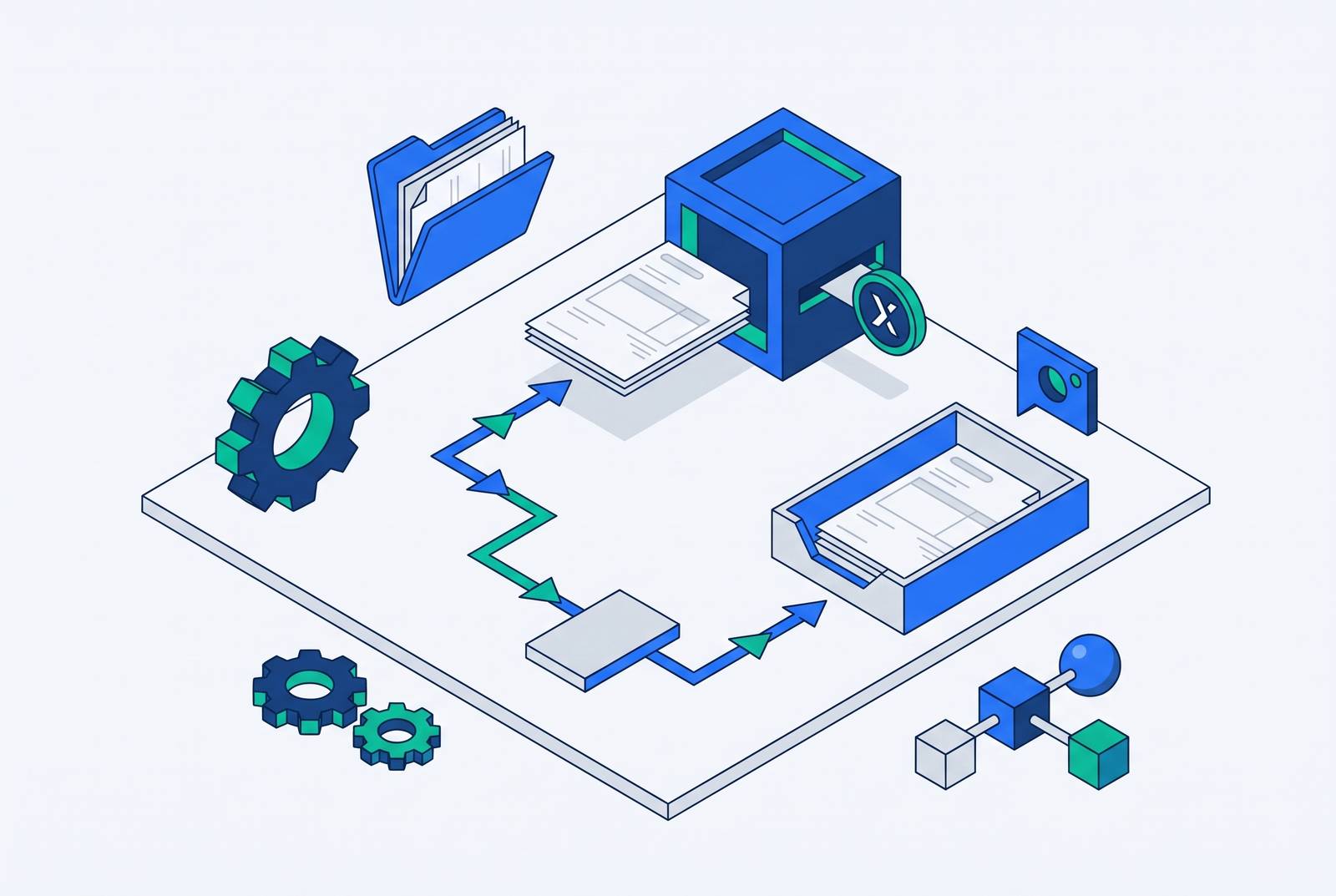
A rejected invoice in Coupa or Ariba is a closed record that must be replaced, while a Coupa dispute follows a different resolution path. To get paid without losing weeks, suppliers need to check the status, know the buyer’s rules, and send the right document back through approval.
Why a portal rejection is not a simple error message
The rejection email arrives, and the supplier reaches for the edit button. That is the wrong tool for the job. Coupa’s FAQ states, “Once an invoice has been submitted, it can't be changed in any way. This ensures invoice processing integrity.” The same governing constraint applies on Ariba.
Coupa’s FAQ gives the rejection instruction just as plainly. “Just create a new invoice to replace the one that was rejected”. The rejected record is therefore a closed file. Its replacement starts the queue again from zero. Hunting for a way to reopen the original wastes time before that new journey has even begun.
What the portal actually does the moment it rejects an invoice
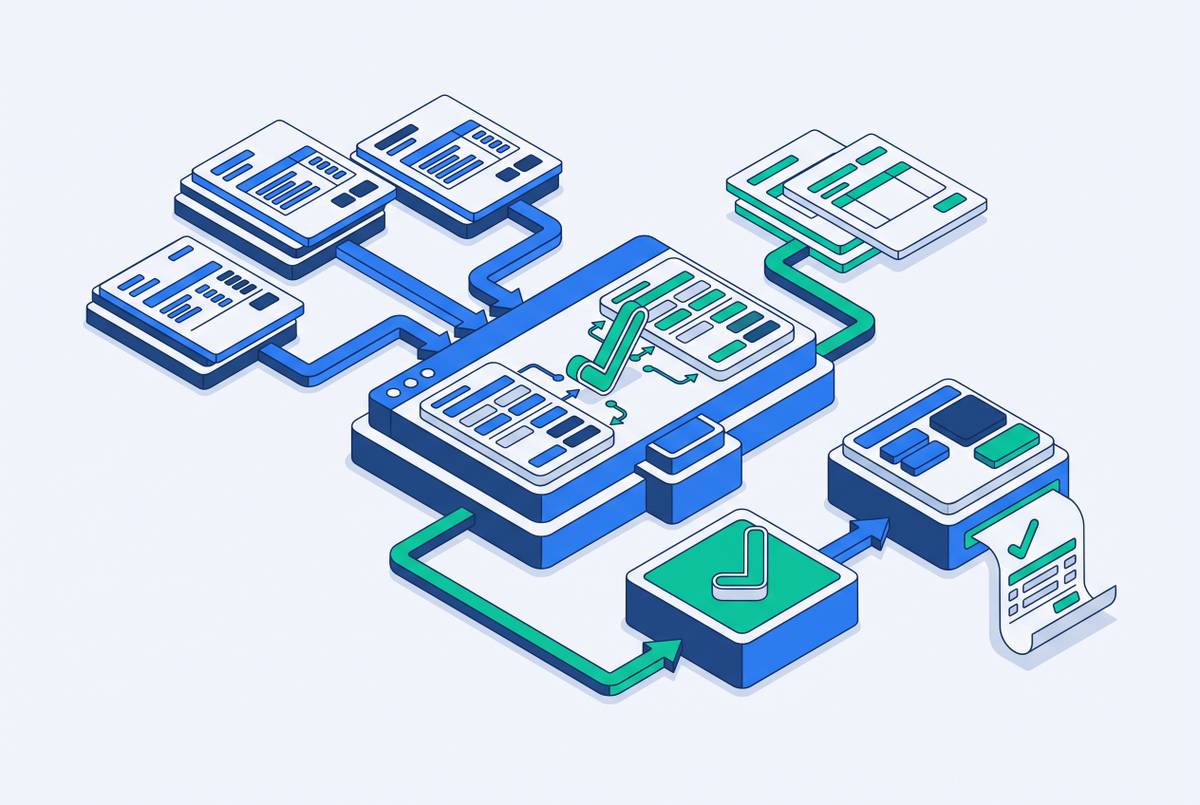
The invoice moves to a closed status, and the system generates a notification. On the buyer’s side, a separate Invoice Reconciliation record, or IR, is where exceptions such as mismatches, holds and approval steps are resolved. The supplier’s original invoice is no longer the active document being worked through. The visible status is an output of that process, which helps explain why it can lag behind buyer-side action.
Coupa’s supplier-facing labels describe what the buyer’s system has done. They do not necessarily describe a supplier action. Pending Approval and Disputed, for example, show where the submitted invoice is in processing without changing who can edit it. A dispute stops payment processing until it is resolved or the buyer withdraws it. Coupa’s dispute email has the invoice number, dispute date, reason and any comments the buyer chooses to add.
Ariba’s rejection email goes to the supplier contact on file. Its 2605 release (Q2 2026) shows that recipient’s email ID on the buyer’s screen, and the 2608 release (Q3 2026) lets buyers add CC recipients. That has a direct operational consequence for suppliers. They should verify which contact is on file before further notifications go out.
The specific triggers that cause automatic rejection on each platform
Most rejections happen before a human reviews the invoice. The first reviewer is a set of rules. On Ariba, those checks include whether the invoice date precedes the purchase order date and whether every invoice line can be matched to a PO line. Invoice-number formatting can also stop the document. Georgia-Pacific’s supplier documentation publishes R9, “Invoice Number Too Long”, and specifies a character limit with no special characters allowed except a hyphen.
Coupa checks PO-backed invoices against a different set of constraints. The currency, unit of measure and unit price must match the PO, but the quantity can vary within the open PO balance. The invoice date must also fall within the buyer’s allowed window. PMI’s Coupa supplier guidelines have validation rules that check whether the data is right and population rules that check whether the mandatory fields are filled in. A populated field can still be wrong.
Coupa’s Tolerance Hold means the invoiced amount differs from the PO by more than the buyer’s configured threshold. The buyer needs to approve the invoice by hand without automatically replacing it. Coupa’s FAQ advises suppliers whose invoices have been on hold for a while to ask the customer to review them.
Each buyer on Ariba has its own validation rules for how to handle tax, which mandatory fields to fill in, which attachments to send and which PO format to use. Passing one buyer’s checks does not establish that an invoice will pass another’s. A useful pre-submission review therefore checks both the fields and the rules of the buyer receiving them. Otherwise, yesterday’s successful template becomes today’s rejection.
How the dispute resolution path differs from the rejection path on Coupa
The first decision on Coupa is whether the invoice is Rejected or Disputed. These labels are not interchangeable descriptions of bad news. A rejected invoice is closed and needs a replacement, but a disputed invoice remains in the system and may be resolved without resubmission. Treating both statuses alike can create an unnecessary new invoice or leave an unresolved original behind. The next decision is whether the disputed document is standard or country-compliant.
For a standard disputed invoice, the available paths depend on the problem. Void applies when the invoice was issued in duplicate or already paid. Correct Invoice addresses wrong information, and the corrected invoice can use the same invoice number. Adjust creates an adjustment credit note, or partial credit, for a price or quantity error.
Country-compliant e-invoices use a different branch of the process. Coupa marks them with a green checkmark next to the country code. For a duplicate, Cancel Invoice creates a credit note. For incorrect information other than price or quantity, the supplier creates a credit note and issues a corrected invoice with a new number, while price or quantity errors use Adjust. When a corrected invoice goes for approval, the original can remain Disputed, so both documents exist at once and need distinct tracking.
What e-invoicing mandates in France and Belgium add to the rejection sequence
Country-compliant status is more than a portal decoration. In France and Belgium, mandate rules add a regulatory layer to the commercial exchange between buyer and supplier. The rejection reason may have a legally defined format. To choose how to resolve the issue, suppliers therefore need to know which invoices fall under those rules. “Create a new invoice” is not a complete procedure for every document.
France’s requirement starts September 1, 2026, with domestic B2B e-invoices flowing through a Plateforme Agréée (PA). Coupa’s France e-invoicing compliance documentation specifies that a rejection through a Void action gives the supplier a legal rejection reason as part of mandated lifecycle reporting. The documentation also describes real-time reporting of Approved, Disputed, Paid and Voided statuses through automated XML files. The XML mechanism described here is specific to Coupa’s France workflow within this discussion of Coupa and Ariba.
Belgium’s mandate starts January 1, 2026, and requires invoices to be submitted through a specific network. Non-compliant invoices may be rejected under the mandate’s terms as well as under a buyer’s configuration. The distinction changes how the supplier interprets the failure. For invoices in these markets, the country-compliant marker and the legal rejection reason guide the next document action.
Why the payment clock resets and what that costs in practice
A replacement invoice must work through approval from the beginning. That is how rejection effectively resets the payment clock. First comes identifying the error, then contacting the buyer if the explanation is unclear, correcting the document and resubmitting it. Each handoff adds its own lag before the supplier reaches payment.
Across many buyers, those delays accumulate into a days sales outstanding problem. Portal DSO runs materially higher than non-portal DSO when rejection rates are not controlled. A correction backlog that crosses into the next reporting period adds pressure while finance teams are closing the books, and payment priority can shift against the supplier. The document may be small, but its timing is not.
Suppliers with less cash float feel this sooner. When a rejected invoice goes through resubmission again and again, these suppliers may have to take out short-term loans or wait to pay what they owe to others. Repeated unexplained rejections can also erode the buyer-supplier relationship, with consequences for payment priority or terms at renewal. The commercial cost therefore extends beyond the minutes spent correcting fields. It includes the time the supplier must fund while the invoice finds its way back through the queue.
The practical steps to move a rejected invoice back through the queue without losing more time
The recovery protocol starts with checking the Invoices tab to establish whether the record is Rejected or Disputed before creating a document. If it is Disputed, the resolution controls appear at the bottom of the invoice record, with the appropriate path determined by the error and country-compliant status. If it is Rejected, the supplier needs the replacement route.
The next step is to extract the reason before changing anything. Ariba shows rejection reasons and status updates in the Detail and History tabs, while Coupa’s dispute email has the reason and any buyer comments. A documented buyer code can make the correction precise. If the failure concerns a buyer’s tax field, attachment format or mandatory-field requirement, that rule should be recorded for future invoices to that buyer. It should not become a rule for every other customer by accident.
If the reason is missing or unclear, the supplier should contact the buyer before resubmitting. A Tolerance Hold calls for the customer to review the invoice before the supplier can move it forward. On Ariba, the notification changes in 2608 also make this a useful point to verify the correct supplier contact.
Once the reason is understood, a rejected invoice needs a clean replacement document. The standard rejection route uses a new invoice number, unlike a standard Coupa dispute correction, which can reuse the original number. Country-compliant replacements require a new number. Coupa’s FAQ also permits reuse if the customer has deleted an invoice number, but deletion is the buyer’s action.
Before sending the invoice, the supplier should check that its date, PO matches and invoice number meet the rules of the buyer who will receive it. For Ariba, that means checking that the invoice date is not before the PO date and that the number meets the character restrictions. For Coupa, it means checking the allowed date window and matching currency, unit of measure and unit price to the PO. Mandatory fields marked with a red asterisk must also be populated. This is the last chance to catch a repeat failure before another queue begins.
After submission, the supplier should track the replacement immediately in the Invoices tab. A saved draft is not a registered submission. If the replacement does not appear as submitted, the work is not yet in the system. For mandated invoices in France and Belgium, tracking must account for both the portal label and the applicable legal lifecycle reporting. Coupa’s France workflow specifically includes the automated XML status updates described above.
Why managing the rejection loop manually at scale breaks down
One or two buyers make this sequence manageable. Dozens of portals turn it into an AR infrastructure problem. Each Ariba buyer can configure rules that are not published in a central registry, leaving the supplier to maintain its own per-buyer rule set. That record must change when the buyer’s configuration changes and guide the invoice both at submission and after rejection. Memory is a poor substitute for that record.
Logging in, checking statuses, reading reasons and creating replacements take time away from planning cash flow or escalating exceptions. Buyers with well-configured portals and trained AP teams can achieve high straight-through processing, while suppliers absorb the friction of rule variation and misconfiguration. The workload is not evenly distributed.
An AR team looking for help with portal submissions needs to know whether a service just submits invoices or takes charge of the full rejection cycle. The operational scope includes buyer-specific rules, status tracking, reason handling, replacement documents and escalation when a resubmitted invoice stalls. The AI-powered label alone leaves open how much of that work a service does. The teams that close the gap build those functions around the portal workflow and take action themselves.