Customer Payment Portals in AR Automation Platforms
Suppliers must manage two separate portal worlds to survive in modern B2B payments.
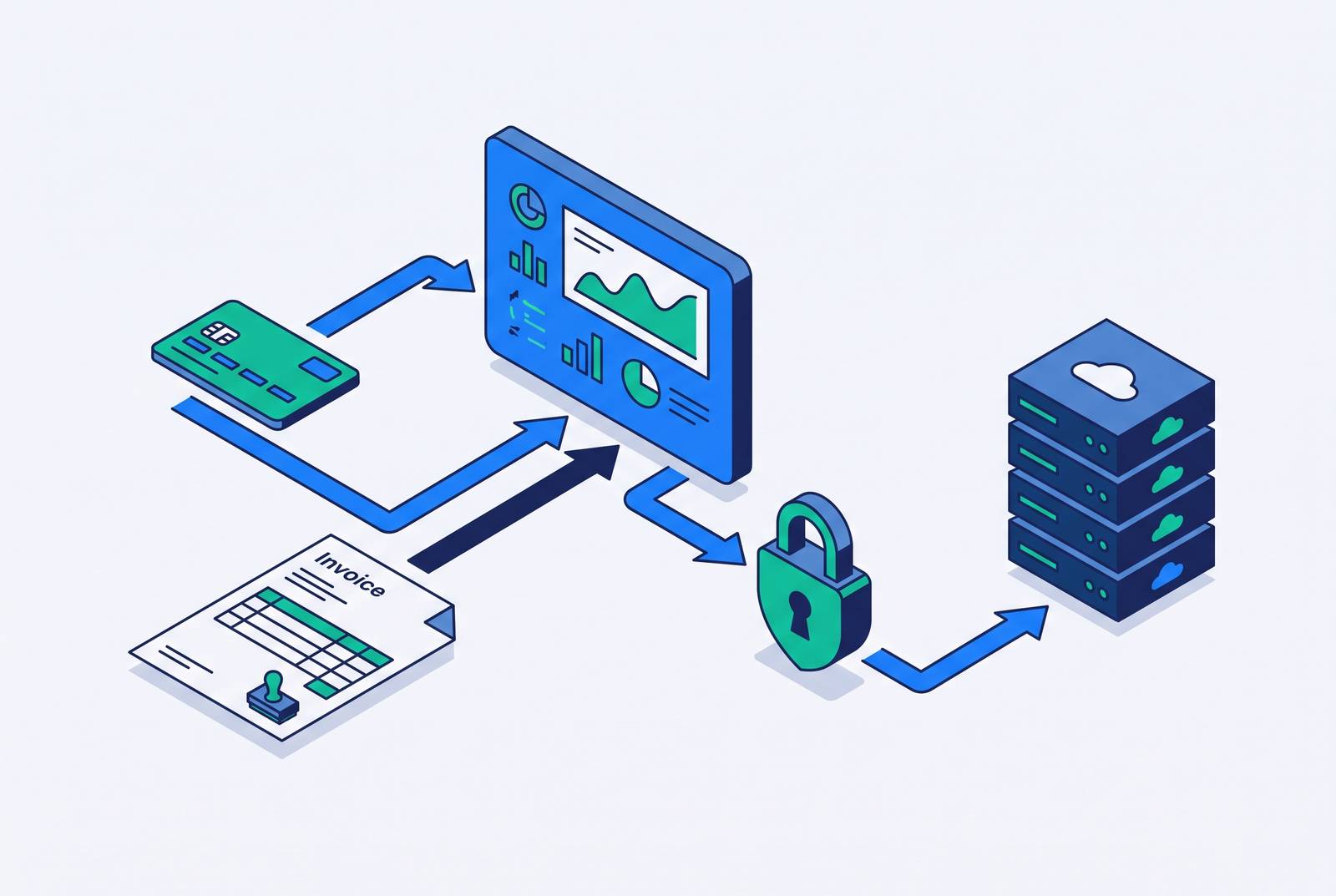
Customer payment portals used to be a nice-to-have, a shiny login page bolted onto an invoice email, but that's over now. Portals are now load-bearing infrastructure in how B2B invoices get submitted, approved, and paid, and a finance team that still treats them as a UX nicety is going to get blindsided the first time a big customer mandates a procurement portal nobody on staff knows how to use.
There are two separate portal worlds here, and they rarely get discussed separately, which is part of the problem. One is the portal a supplier builds so customers can pay faster. The other is the portal a buyer builds so suppliers submit invoices on the buyer's terms. Monto's 2026 guide calls portal automation "the defining feature of effective AR automation in today's B2B landscape," describing infrastructure, not an add-on feature you check off during a software demo.
The forces driving this run in opposite directions at once. B2B buyers want the same payment convenience they get as consumers, one click and done. At the same time, those same buyers are tightening procurement control by forcing suppliers through portals the buyer owns and governs. A supplier caught between those two expectations needs to solve both problems, not just the friendlier one. The AR automation market is projected to grow from $4.01 billion in 2025 to $4.63 billion in 2026, a 15.6% jump in a single year.
The two portal problems that AR teams must solve separately
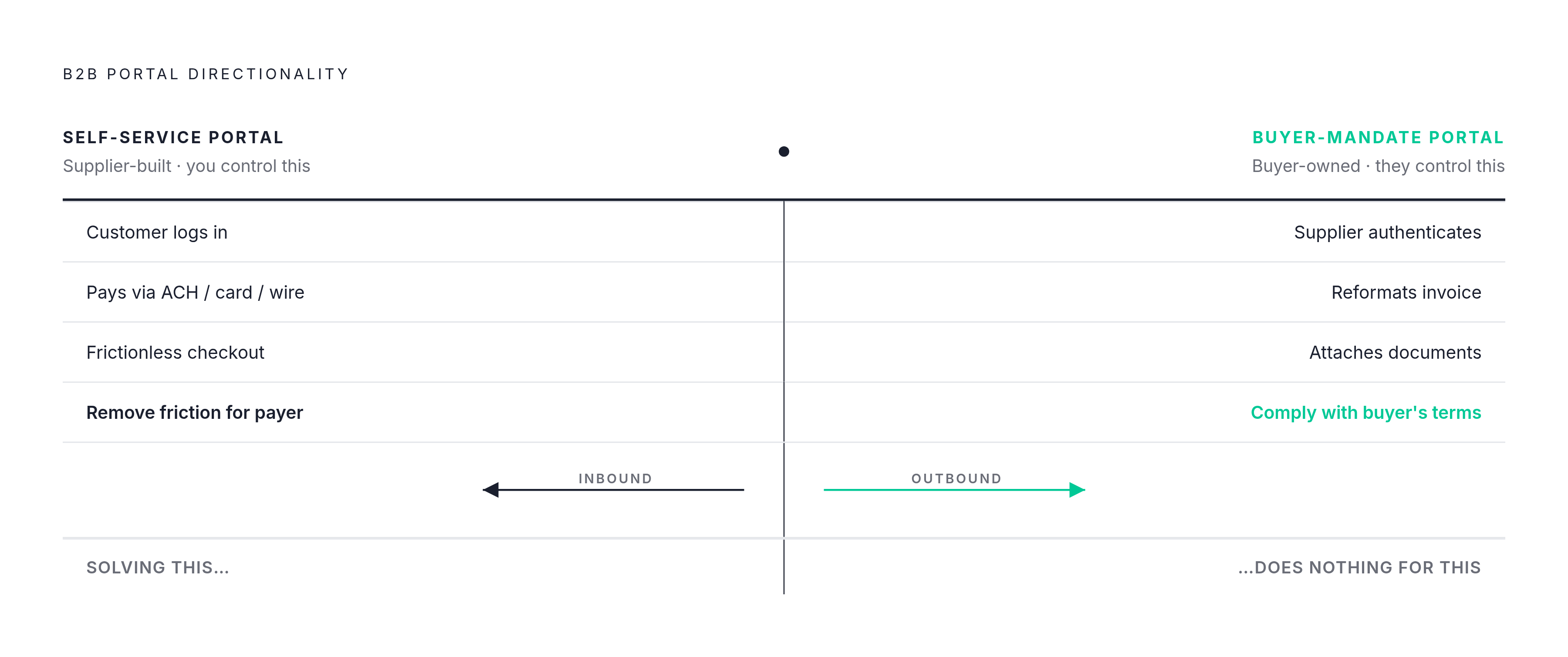
Call them the inbound problem and the outbound problem, because they run in opposite directions and solving one does nothing for the other.
The first is the self-service portal, the one the supplier builds or licenses for its own customers. A customer logs in, sees invoice history, checks a real-time balance, and pays by ACH, credit card, wire, or eCheck. The entire point is to remove friction from the customer's side so payment happens without a phone call or an email chain. This is the portal most AR teams picture when someone says "payment portal," and it's the one most AR software vendors build first because it's the one the supplier actually controls.
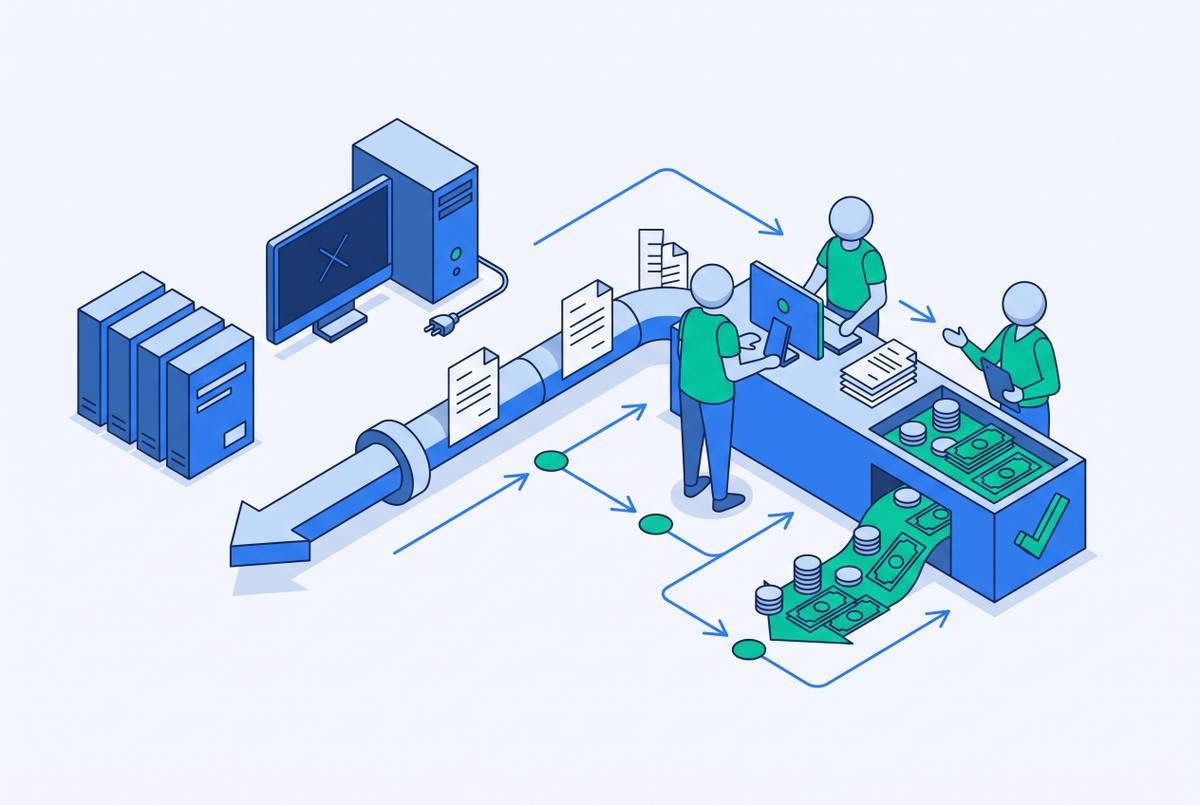
The second is the buyer-mandate portal, which flips the control structure. Here, the enterprise customer requires its suppliers to submit invoices into the buyer's own AP system, whether that's Coupa, SAP Ariba, or a proprietary setup the buyer built in-house. The timeline is the buyer's. The format is the buyer's. The required attachments are the buyer's. A supplier with a large roster of enterprise customers may be staring down a different portal, with different login credentials and different field requirements, for every single one of them. Monto reports connections to more than 500 procurement portals, which gives some sense of how fractured this landscape actually is. Every new enterprise customer a supplier signs can mean one more portal to navigate by hand, unless the AR platform automates that navigation.
Confusing these two problems is where a lot of AR platform decisions go wrong. If a finance team evaluates a vendor purely on how polished its self-service payment page looks, it will still have a staff member logging into Coupa and Ariba every week by hand, because that's a completely separate operational problem with a completely separate fix. The reverse is just as true: a platform built to handle buyer portals well may do nothing to speed up how a supplier's own customers pay. Seeing these as two problems, not one, is what makes the rest of the picture make sense. Once the distinction is clear, the next question is what good automation actually looks like on each side, starting with the side the supplier controls.
What good self-service portal automation delivers (and where it falls short)
A well-built self-service portal does two measurable things: it shortens the time between sending an invoice and getting paid, and it cuts the labor cost of chasing that payment. Neither benefit kicks in unless customers actually use the thing, and customer adoption, no matter how good the portal is, never reaches full participation.
Start with the time savings. A portal compresses the gap between invoice delivery and payment decision because the customer can view the invoice, flag a dispute, and pay, all in one sitting, instead of bouncing the question through an email thread and an internal AP approval chain. A lot of payment delay in B2B isn't a customer stalling on purpose; it's a customer waiting on a corrected invoice or a missing supporting document before anyone upstream will sign off. A portal that surfaces that information immediately removes the wait. Autopay enrollment does even more: once a customer is on autopay, human decision-making gets removed from every future billing cycle, not just the current one.
The labor savings follow a similar logic. When customers handle payment and basic disputes through the portal themselves, inbound AR phone calls drop, and cash application work drops too, because automated matching now handles reconciliation that a person used to do line by line.
Payment method mix plays into this directly. Checks take the longest to clear. ACH and wire land faster. Credit card settles within days. A portal that puts multiple payment options in front of a customer, with ACH as the easiest path, speeds up when cash actually shows up in the bank, without anyone renegotiating payment terms. But checks aren't going away. The 2025 AFP Digital Payments Survey found checks still make up a meaningful share of incoming B2B payments, so even a portal with strong adoption needs a process for processing paper. Collections workflow doesn't disappear once a portal goes live; it just handles a smaller volume of cases.
Adoption itself isn't even either. Resolve Pay found that only 15 to 20% of B2B customers currently use automatic payments, a stark contrast to how normal autopay has become in consumer life. Mid-market companies adopt portals at meaningfully higher rates than small businesses, according to Paidnice. Industries with the worst late-payment track records, education, construction, and manufacturing among them, have the most upside available but also the most resistance to actually changing behavior.
The sharpest criticism of the self-service portal model is simple: the portal is convenient for the party who built it, not necessarily for the party who has to use it. A customer running their own AP workflow, on their own schedule, experiences a supplier's portal as one more login to manage, not a gift. Embedded click-to-pay links inside the invoice email let a customer pay without logging in anywhere, reducing friction at the point of action, while the portal still captures the transaction record on the back end.
Buyer-mandated procurement portals and their distinct operational burden
Buyer-mandate portals put the entire compliance burden on the supplier, and that burden gets heavier as the supplier's enterprise customer list grows. No amount of clean invoice design or well-timed reminder emails fixes this, because the gatekeeping system sitting in front of the invoice is what needs to change.
The supplier has to do the following for each buyer portal: authenticate into the system, reformat the invoice to match the buyer's exact field requirements, attach whatever supporting documents the buyer demands, route the submission through the buyer's internal approval workflow, and then track where it sits in that process. Multiplying that by every enterprise customer running a different portal makes the operational load add up fast. When a buyer changes something, a new required field, a new login requirement, a new attachment rule, the supplier has to adjust or risk a rejection that delays payment with zero warning.
The two major procurement platforms illustrate how differently this plays out in practice. Mindsprint's comparison points out that SAP Ariba charges suppliers to invoice through its network, while Coupa does not, so a supplier connected to many Ariba customers is looking at a per-transaction cost that compounds over time. Some suppliers describe Coupa as heavy and clunky when invoice submission is the only task at hand, which makes sense given that Coupa was built around procurement workflows generally, not as a quick drop-box for suppliers with a purely transactional relationship to the platform.
The Federal Reserve's research into B2B payment friction names this exact pattern as a core pain point on both sides of the transaction: managing multiple vendor portals, then matching incoming payments against remittance data that doesn't arrive in any consistent format. A supplier juggling dozens of enterprise accounts can end up with dozens of portal logins, each with its own quirks, and no single system tying any of it together.
This is where most AR automation platforms deliver the heaviest operational lift, and also where most of them fall short. Tools like Invoice Butler that integrate directly with Coupa, Ariba, and SAP portals eliminate the manual login-and-submit cycle that compounds as the enterprise customer base grows, turning what used to be weekly portal navigation into automated submissions with compliance tracking built in. This is a vendor selection criterion that a lot of buyers overlook, right up until they're deep into an implementation and discover the platform they chose has no answer for Coupa.
Agentic AI's impact on both sides of the portal equation
Agentic AI changes the basic unit of who does the clicking. Portals stop being places humans log into and become endpoints that software logs into, navigates, and reports back on, and that shift touches both the inbound and outbound portal problems at once.
On the buyer-mandate side, an AI agent can log into a procurement portal, fill in the required fields, upload the right attachments, track where an approval sits, and respond to a rejection notice, all without a person doing any of it directly. A task that used to eat up a chunk of someone's day turns into a queue of exceptions that a human only needs to look at when something actually goes wrong. Monto's 2026 guide treats agentic AI as the defining trend of the year, describing systems that run invoice-to-cash workflows with very little human involvement. The practical upside is straightforward: the number of portals a supplier can keep up with, without hiring another person for every new one, grows substantially once AI is doing the navigating.
On the supplier side, the same shift appears in cash application. ChatFin's 2026 platform comparison found AI-powered cash application hitting high straight-through processing rates at the top of the market, so payments coming in through any channel, including a customer's own portal, get matched to the right invoice automatically instead of sitting in someone's reconciliation queue.
None of this comes free of risk. Agentic AI operating inside payment portals also opens a new door for bank-account-change fraud, where a legitimate supplier's payment instructions get quietly altered mid-stream. Research flagged in 2026 found a sharp jump in organizations actively looking for automated bank-account-change verification tools, which tells its own story. Verifying payment details automatically, before money actually moves, is turning from a nice feature into a requirement. A platform that can't check a bank account change before executing a payment is carrying risk that nobody wants to discover after the fact.
Bain & Company projects embedded finance transaction value reaching into the trillions of dollars in U.S. transactions by 2026, part of a broader move toward payments happening inside existing workflows rather than through a separate portal login. Embedded payments depend on API-level integration between buyer and supplier systems, and most mid-market and smaller companies don't have that infrastructure in place yet. Portals remain the actual, operative infrastructure for most B2B payment relationships today. Buyers evaluating AR platforms should ask not just what the portal looks like right now, but how well the platform's AI layer handles portal navigation and payment verification going forward.
How leading AR automation platforms handle portals differently
Given how broad the AR automation market looks from the outside, it's a little surprising how few platforms actually handle both portal problems well. Most tools do a solid job on one side, self-service or buyer-mandate, and treat the other side as an afterthought or skip it.
Invoice Butler builds both sides into its core operation rather than treating either as a bolt-on. On the buyer-mandate side, it navigates procurement portals, including Coupa and Ariba, on a client's behalf, handling login authentication, formatting each submission to match the buyer's requirements, attaching the right documents, and tracking approval status the whole way through. AR team members carry this out on an ongoing basis on the supplier's behalf, as an ongoing task rather than a setting a customer configures once and forgets.
On the supplier side, an AR service can combine persistent, human-sounding follow-up that customers actually respond to with the same portal navigation work, closing the space between what automated software can do unattended and what still needs a human judgment call. The unglamorous stuff, a missing W-9, a portal that keeps rejecting a submission, remittance data that arrives in no usable format, gets handled directly rather than bounced back to the finance team to sort out. That operational layer is frequently what decides whether cash actually lands on time or stalls for another two weeks.
This model suits fast-growing companies managing a substantial volume of receivables, and it fits best with finance teams that want an AR function running in the background at all times, rather than another piece of software someone on staff has to operate. As AR automation becomes more central to how invoices actually move through enterprise procurement systems, finance teams need an approach that handles both halves of the portal equation: the supplier's need to get paid faster through easy self-service options, and the supplier's obligation to work within buyer-controlled systems like Coupa and Ariba without burning staff hours on manual submissions every week.
The portal landscape isn't simplifying anytime soon. More buyers are mandating more portals, not fewer, and the AI layer handling that navigation is becoming the real differentiator between AR platforms, not the login page a customer sees when they go to pay an invoice.