Supplier Portal Navigation in AR Collections
Portal navigation errors and format mismatches delay payments by weeks, not days.
What AR Teams Actually Do Inside a Supplier Portal, Step by Step
Once you've worked across enough customer portals, you stop seeing each one as its own unique snowflake. You start recognizing the same handful of activities dressed up in different interfaces. The names change. The logic stays the same.
Getting the invoice in is step one. You've basically got three paths:
- Upload a file directly (PDF, XML, EDI, whatever the portal will take)
- Key invoice data manually into the portal's own fields
- Flip an existing purchase order into an invoice using the portal's built-in conversion tool
That third option sounds like the shortcut. Sometimes it is. Sometimes the PO has stale line items or amounts that shifted after it was issued, and the only way you find out is when the rejection lands in your queue.
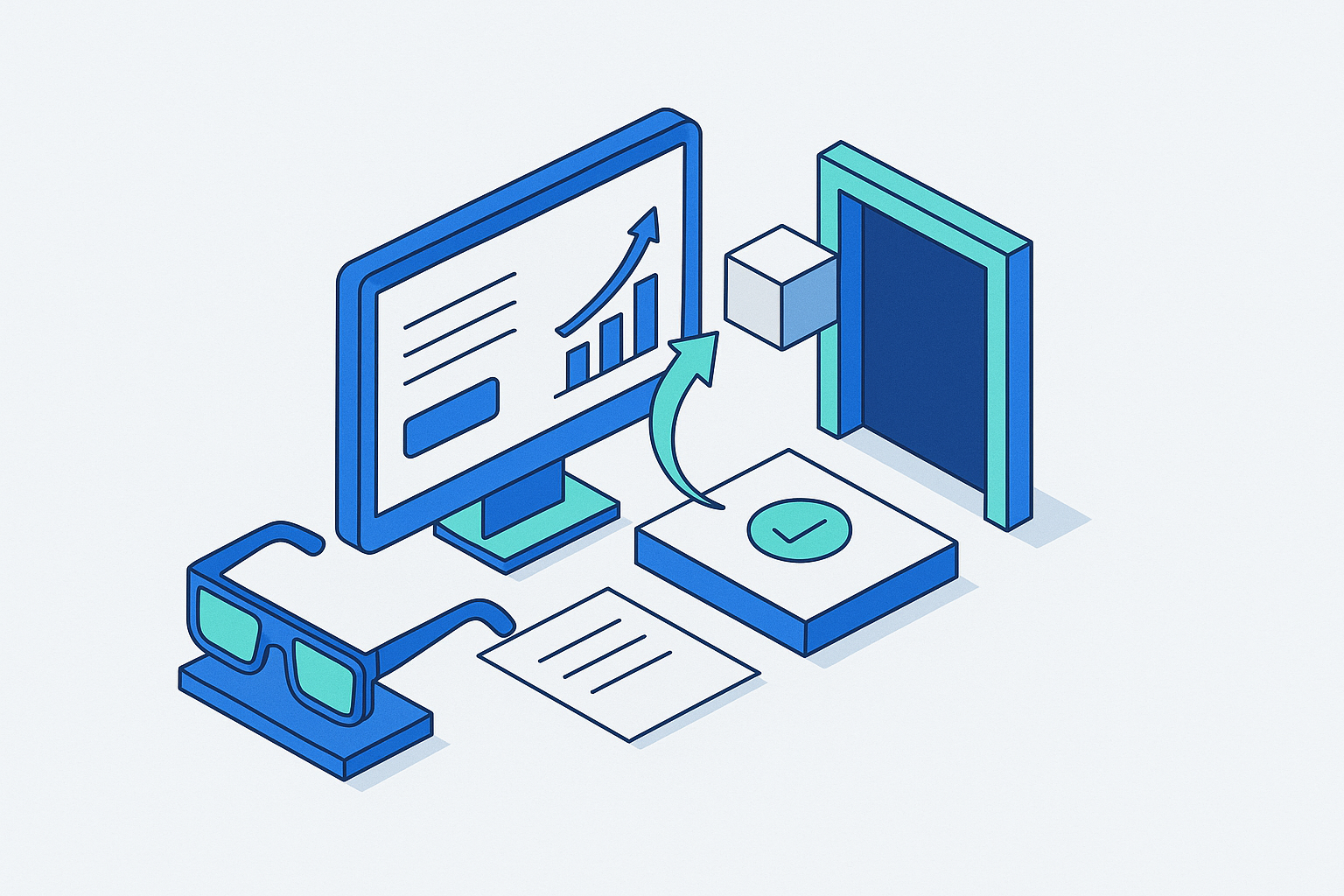
After submission, the invoice moves through a status workflow. Submitted, under review, approved, scheduled for payment, paid. Each stage shows up in a dashboard, and honestly, that part is useful. You stop calling the AP department every few days asking if anything moved. The portal just tells you. Provided you know where to look and what the status labels actually mean for that specific system, which is its own thing to learn.
Then there's three-way match. This is the buyer's core control. Before an invoice clears, the system checks that the purchase order, the invoice, and the receiving document all line up. Any mismatch and the invoice doesn't get delayed. It gets held. Until someone fixes whatever is wrong.
Dispute resolution also lives inside the portal. Messaging threads, document uploads, notes tied to specific line items. The catch is that the AP contact on the other end might check that portal inbox twice a week on a good week. A fix that should take two days stretches to ten.
The practical upshot is that a supplier portal is not just a place to drop invoices. It's the full working environment for a big chunk of the AR team's day. Like being handed a filing cabinet and told it is now also your office.
How Portal Complexity Multiplies Across a Real Supplier's Customer Base
Here's where it stops being a software problem.
The average supplier manages around a dozen different customer portals. Mid-market suppliers often handle two or three times that. Enterprise suppliers can be juggling a hundred or more, each one its own world with its own rules, its own field names, and its own rejection logic.
What Ariba calls a "Supplier Invoice Number," Coupa labels "Vendor Reference." Same field, same underlying data, different name, different character limit, different validation. Populate it wrong and the invoice gets rejected. Not flagged. Not held for review. Rejected. Start over.
Credential management quietly becomes its own job inside the job. Fifty or more unique logins, each with different password requirements and expiration schedules. Some portals time out after ninety days of inactivity. Others require two-factor authentication tied to a phone number that belongs to someone who left the company eight months ago. I've seen an AR team spend three full days just trying to recover access to one portal after the person who owned the login went on unexpected leave. Three days. One portal. A full payment cycle missed. And the buyer's AP team couldn't help because the lock was on the supplier side.
Global customers layer on more. One division runs Ariba. Another runs Coupa. A third uses Oracle or Jaggaer. And each of those instances is configured differently by that buyer's own IT and procurement teams, on top of whatever the base platform does by default.
The result is that people hired to do financial operations end up spending huge portions of their time as portal managers and data-entry specialists. The suppliers who just accept that reality and actually staff and train for it tend to have cleaner receivables. Everyone else keeps getting surprised by it.
Why Invoice Rejections Are the Most Direct Brake on Cash Collection
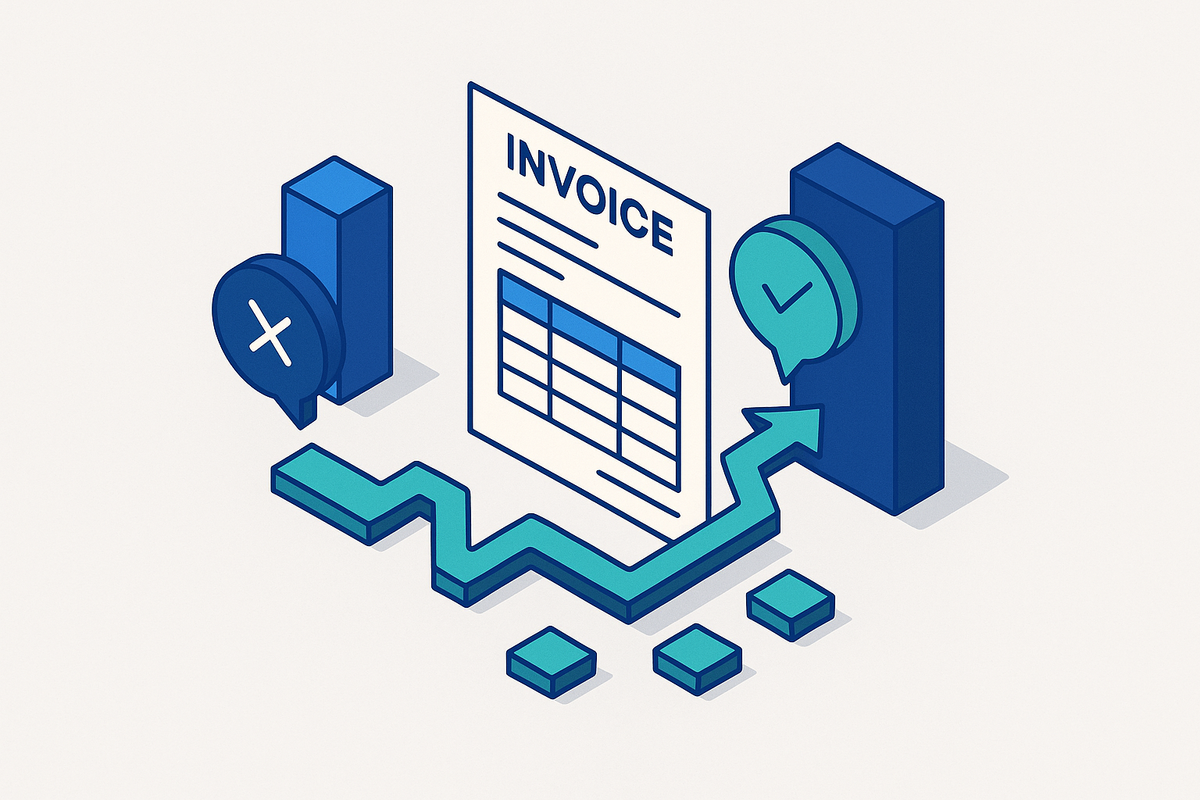
A rejection doesn't mean you fix something and wait a couple of days. It means the payment clock resets. Two to three weeks, minimum, is what you're realistically looking at.
Common rejection triggers look like this:
- Missing or mismatched PO number
- Line-item discrepancies between the invoice and the PO
- Wrong date format (MM/DD/YYYY versus DD/MM/YYYY is not an edge case; it comes up constantly)
- Incorrect currency code
- Attaching a combined PDF when the portal requires separate files for the invoice and supporting documents
Most portals won't notify you when an invoice gets rejected. You have to log in, find it, and figure out why it failed. If your team is only checking in every few days, a rejection can sit there undiscovered while you assume the invoice is moving through approval somewhere.
The maddening part isn't that rejections happen. It's that they're not random. The same formatting errors show up on the same portals from the same customers, week after week. They're predictable. Which means they're preventable. But most teams are so focused on fixing the immediate problem that no one stops to actually track the pattern.
Portal-specific submission knowledge is a genuine competency. Not a nice-to-have. The difference between cash arriving on time and cash arriving three weeks late often comes down to whether your team knows that this particular portal requires the date in this particular format and won't accept a combined attachment.
What Ariba and Coupa Require from Suppliers in Practice
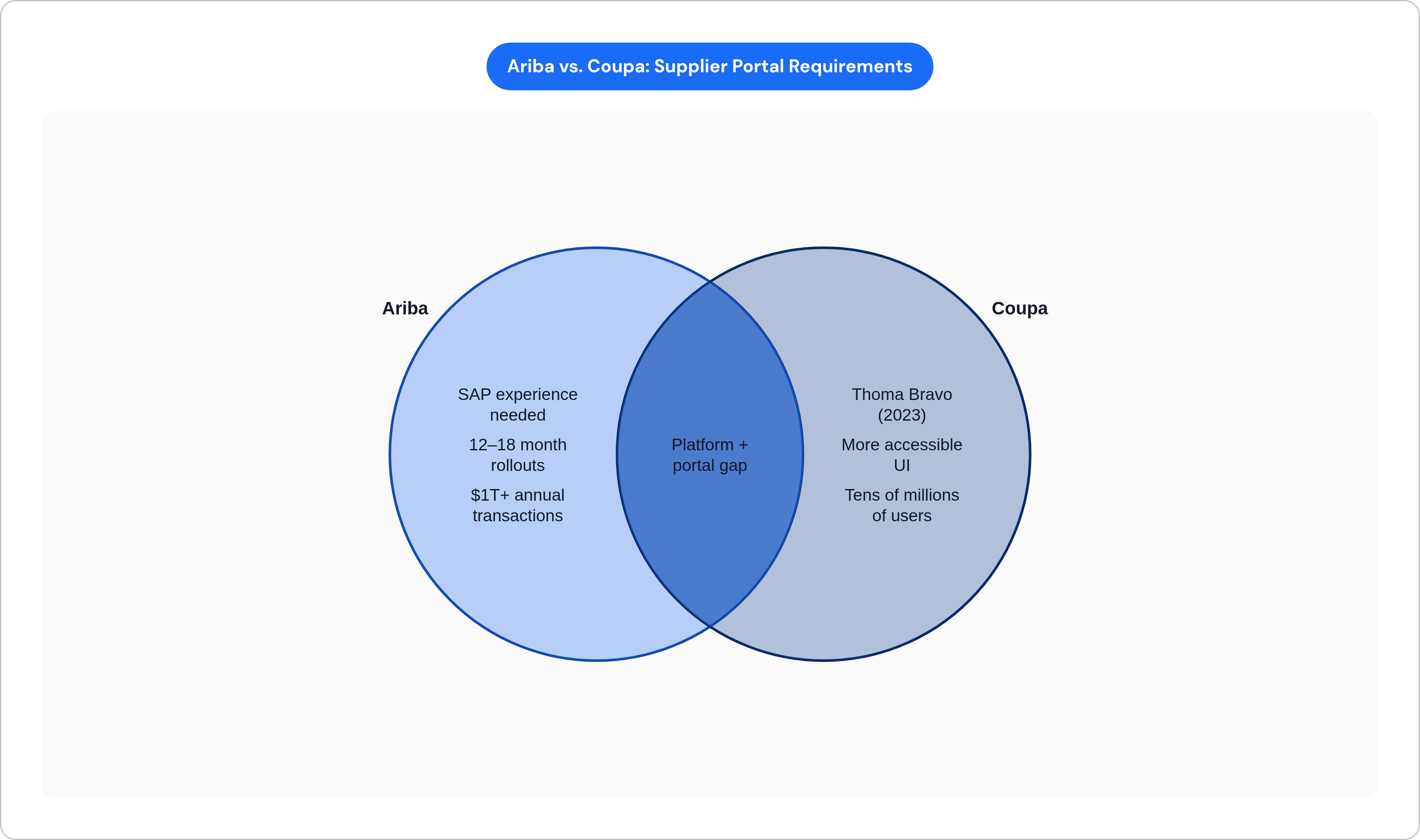
These two platforms come up more than anything else, and they're different enough that treating them as interchangeable will cost you.
Ariba moves over a trillion dollars in global transactions annually. When a buyer builds it into their procurement stack, it tends to stay. Enterprise rollouts can take twelve to eighteen months to fully implement. That tells you how embedded these systems get, and why waiting them out is not a real strategy.
The supplier-facing experience is not known for being intuitive. The learning curve before a team reaches basic productivity is real, and it's steeper if no one on the team has SAP experience. And that's before you account for the fact that every buyer configures their own Ariba instance. Date formats, currency codes, attachment rules, PO field labels. All of it can vary by customer. Knowing "Ariba" as a platform is not the same as knowing how your specific customer has set it up.
Coupa was taken private by Thoma Bravo in 2023. Its network spans tens of millions of buyers and suppliers, and it shows up frequently enough across enterprise procurement that suppliers encounter it regularly. The interface tends to be more accessible than Ariba's. But buyer-specific onboarding requirements still vary widely, and the same principle applies: platform fluency and customer-specific configuration knowledge are two separate things. You need both.
That gap is what catches people. They learn the platform and assume they know the portal. Those are not the same thing.
How Portal Friction Shows Up in DSO and Working Capital
DSO is where portal operations stops being an AR conversation and becomes a finance leadership conversation.
The math is not complicated. For a business running $50 million in annual revenue, cutting DSO by five days frees up close to $700,000 in working capital. That cash is either sitting locked in receivables or available to actually run the business. Those are meaningfully different situations.
Portal rejections, resubmission cycles, and missed status updates each add days to DSO. They're not back-office nuisances. They hold cash off your balance sheet. And the longer an invoice ages, the worse the odds get. Invoices that cross the ninety-day mark have a materially higher write-off rate, which means portal friction doesn't just delay cash. Over time, it destroys it.
Finance leadership has started tracing that connection. AR tools have moved up the priority list for a notable share of CFOs, and the driver isn't a sudden interest in accounts receivable software. It's the recognition that how the AR team handles portal submissions is a variable in working capital performance. That's a shift in how these functions get evaluated.
The AR team's portal habits are no longer just an operational detail. They're a strategic input.
The Operational Habits That Reduce Portal Errors Before Automation Is in Place
Before you automate anything, you need to understand what you're automating. These habits build that foundation, and some of them are embarrassingly basic in a way that makes it uncomfortable how rarely they're actually in place.
Build portal-specific submission checklists. Required fields, accepted file formats, attachment rules, PO matching requirements. Documented per customer. These rules don't carry over from one portal to the next, and assuming they do is one of the most reliable ways to generate rejections. This sounds obvious. Most teams don't have it written down anywhere.
Use naming conventions that encode the portal. Something like "ARB-2025-001" for Ariba and "CPA-2025-001" for Coupa. It prevents duplicate-number rejections, makes tracking auditable, and saves real time when you're trying to reconstruct what happened to an invoice three weeks ago.
Keep a rejection log by portal and by reason. Over time, patterns surface. The same field. The same customer. The same formatting error, repeated. Once you can see it, you can catch it before submission instead of cleaning it up after rejection. That shift alone changes the rhythm of the work considerably.
Schedule proactive portal check-ins even when nothing is actively pending. Portal requirements change. Credentials expire. Status updates go unnotified. Regular logins catch problems before they become emergencies. This is the habit that feels unnecessary until it saves you two weeks.
Treat credential management as infrastructure. Quarterly rotation, centralized storage, clear ownership. The scenario where no one can log in because the only person who knew the password left months ago is entirely preventable. It still happens all the time.
None of these are workarounds. They're the foundational knowledge that makes automation effective when you eventually bring it in. Automation built on a poorly understood process just inherits the same errors and runs them faster.
Where Automation Changes the Economics of Portal Navigation
The core mechanism isn't complicated. APIs let automation platforms submit invoices, check status, and pull remittance data without anyone logging in manually. Middleware handles the translation between your ERP's data structure and whatever format the portal expects on the other end.
The real leverage shows up before the invoice is ever submitted. Intelligent validation catches formatting errors, missing fields, and PO mismatches before anything enters the portal. The correction cycle that used to take two to three weeks shrinks to near-zero. Finance teams recovering that time can redirect it toward work that actually requires judgment, escalation management, dispute resolution, the stuff that doesn't submit itself.
What automation doesn't fix is the need to understand what each portal actually requires. Build automation on top of incomplete portal knowledge and you get the same errors at higher volume. Faster rejections aren't progress.
The other thing worth saying plainly: AR work that used to mean logging into thirty systems and entering data manually becomes work that means managing exceptions and owning the situations that fall outside the normal flow. That's a different job. Most people find it more interesting. The portal knowledge doesn't disappear. It gets encoded into the system, which is a much better place for it to live than in one person's head. Invoice Butler, an accounts receivable automation tool that combines AI agents with human collections experts to follow up on overdue invoices across email, phone, and SMS while also navigating portals like Coupa and Ariba, is one example of how that encoding gets operationalized.