What It Actually Means for an AI AR Team to Log Into Coupa on Your Behalf
Automating Coupa submissions means reading task states and fixing issues, not just uploading files.
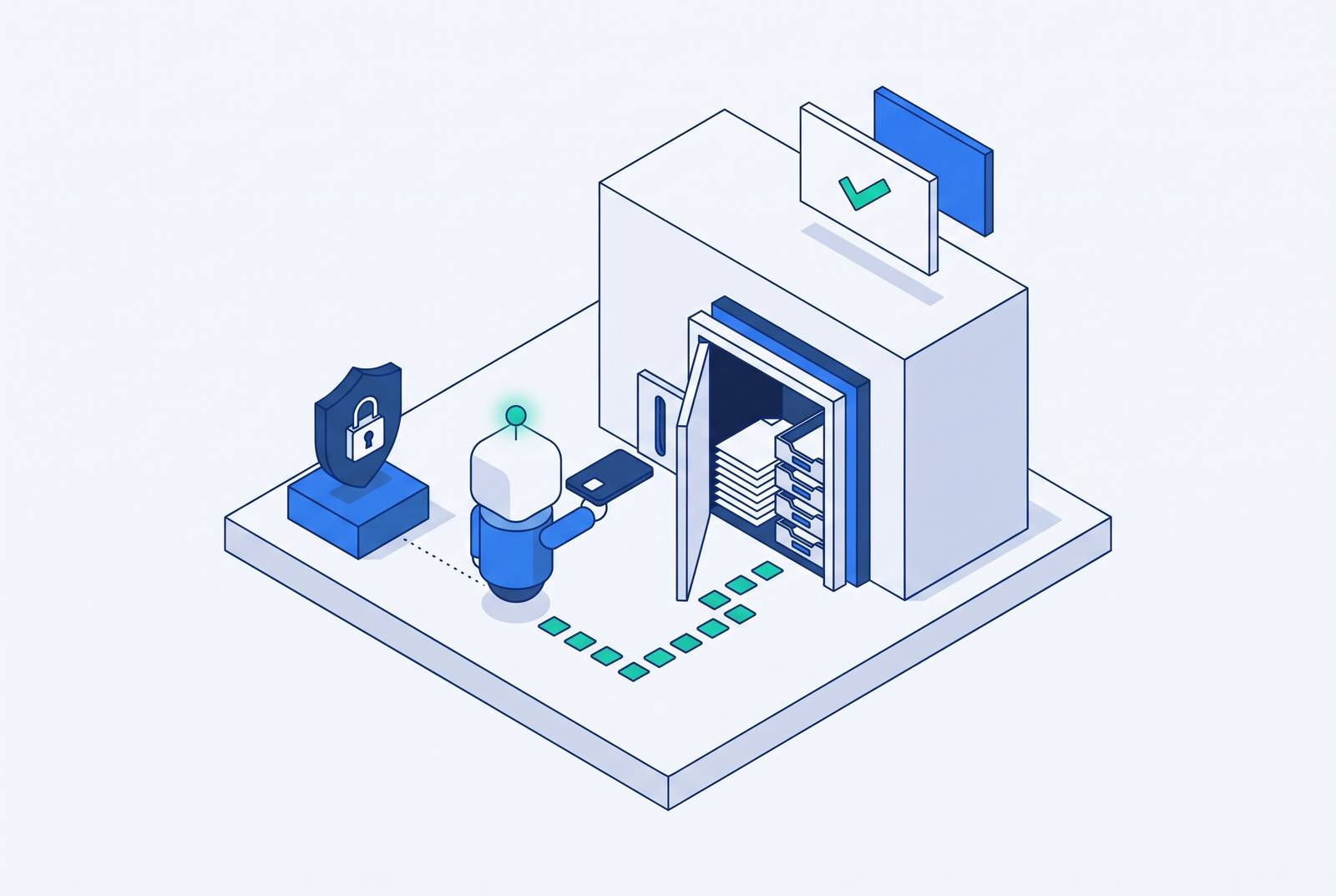
An AI AR team handling Coupa submissions on your behalf must do more than log in and upload invoices. It must choose the right submission path, work out what portal responses mean, get missing documents, and handle resubmissions until the invoice clears or needs help from a human.
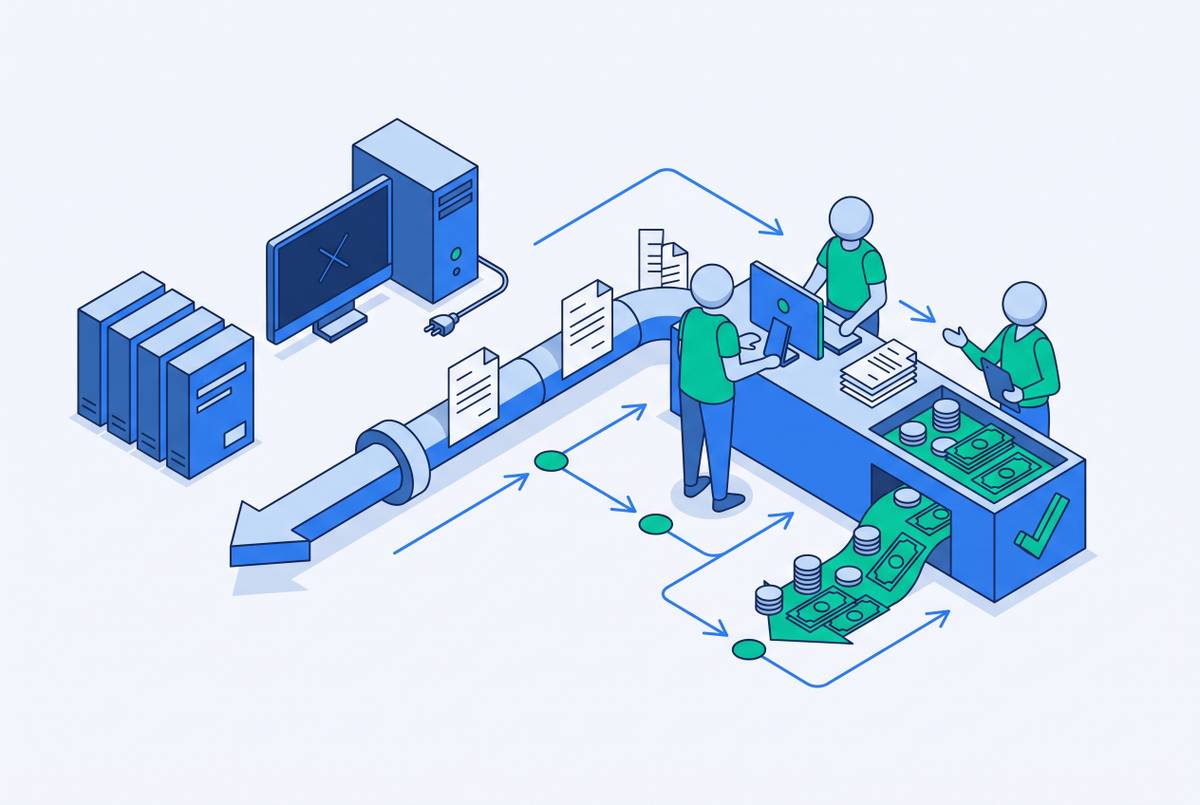
Why Coupa exists as a barrier to getting paid, not just a tool for buyers
For a supplier, sending an invoice is not the same as getting it into the buyer’s payment queue. Coupa is buyer-managed infrastructure, with rules, formats, and approval logic the supplier does not control. The seller has done the work, but the buyer controls the entrance to payment processing. “We handle portals” is therefore a substantial promise.
Email or EDI may work only where the buyer has enabled those channels, and processing may take longer than submission through the Coupa Supplier Portal (CSP). Formal receipt can happen through the CSP, Supplier Actionable Notifications (SAN), cXML, or email/PDF. The invoice must also match the buyer’s purchase order to enter the payment queue. An email in a sent folder is not a queue position.
This is a recurring problem for enterprise suppliers. Coupa’s announcement names it a Leader in the 2026 Gartner Magic Quadrant for Accounts Payable Applications, placing the platform among the systems enterprise buyers use for AP. A supplier may serve dozens of customers whose portals have different field requirements, PO matching rules, and rejection behaviors. The supplier’s receivable stays the same while the rules for getting it into the payment queue change. That is why portal capability needs a more precise definition than “supports uploads.”
What the Coupa Supplier Portal actually asks a supplier to do
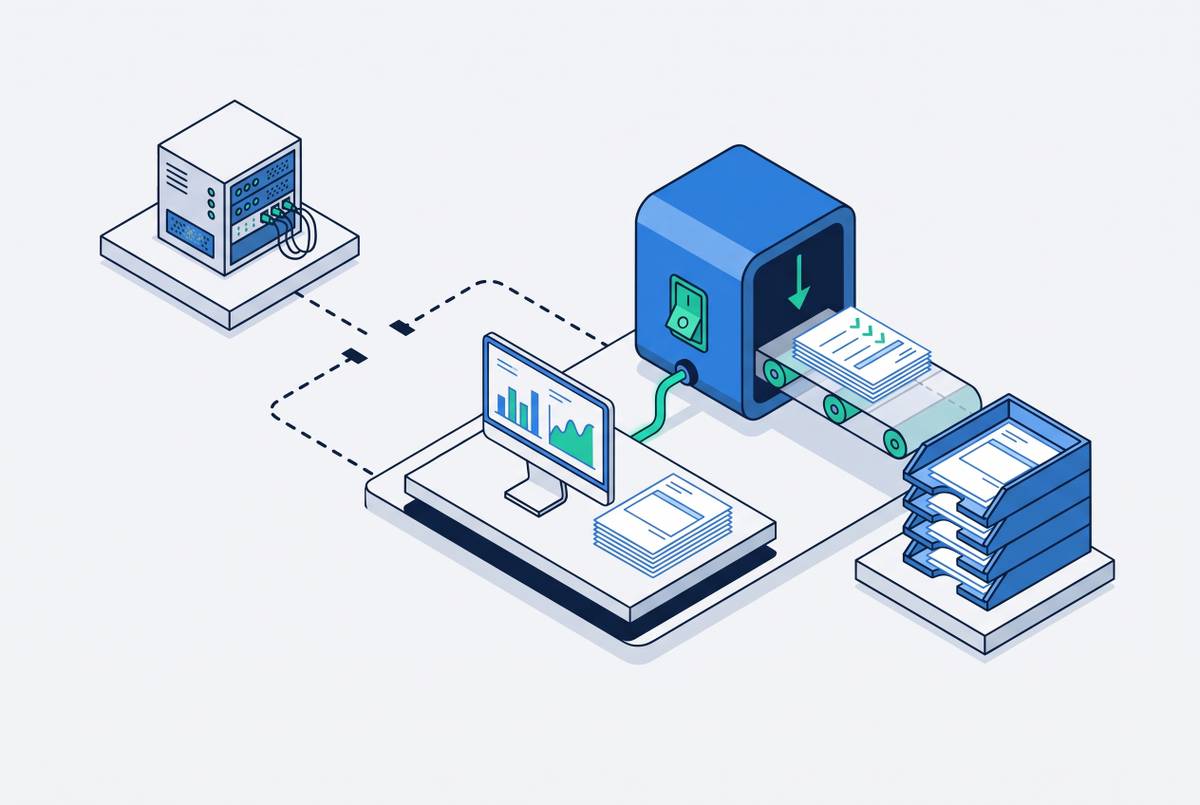
The CSP submission process involves uploading an invoice, reviewing the result, and completing the action assigned by the portal. Coupa’s November 2026 press release describes an AI-assisted upload flow that generates a summary with guidance on issues to review before submission to the buyer. Uploading is therefore an intermediate step. The Workbench assigns a task based on the processing result. That task determines what the supplier does next.
“Review Uploaded Invoice” appears when no matching PO was found. The supplier must identify the correct PO or contact the buyer. By contrast, “Resolve Mismatch for Invoice” means extracted invoice details do not match the PO, so the discrepancy needs correction. “Review and Submit Invoice” is the standard path when processing finishes without flags.
The distinction between upload and submission is operationally important. A file can be present while the supplier still has work to do. If the supplier ignores the assigned task or takes the wrong path, the invoice sits there without moving toward payment. No buyer-side payment clock is running at that stage. An agent replicating the supplier’s work must therefore follow task states.
How does an AI agent log into Coupa on your behalf, and what access does it hold?
An external agent authenticates as the user who authorized the connection, rather than receiving an independent portal identity with separate powers. It inherits that user’s permissions, no more and no less. Coupa’s September 2026 release (R46) introduced open-standard MCP connectivity for external AI environments to interact with Coupa workflows. This provides an architecture for accessing spend data and processes. It does not make the agent an administrator by default.
The permission boundary is the authorizing account’s existing access. Read and write permissions can let the agent query, submit, and update where that account can already do so. If the account cannot see a particular buyer’s PO list, the agent cannot see it either. The same applies to approving a change order.
Spending or submission thresholds must be set outside the authentication layer through the supplier’s configuration because there is no native per-agent transaction limit inside the token itself. That is a configuration responsibility. Account permissions define what it can access and change. Separately configured thresholds define limits on how it exercises that access.
The judgment calls the agent makes before it touches the submission form
Consider an invoice whose purchase order number does not match any of the open purchase orders shown in the portal. The agent must first establish whether it is looking in the right buyer entity. Large enterprises can have multiple legal entities, each with its own supplier account and PO namespace. A search in the wrong entity can make a valid reference look nonexistent.
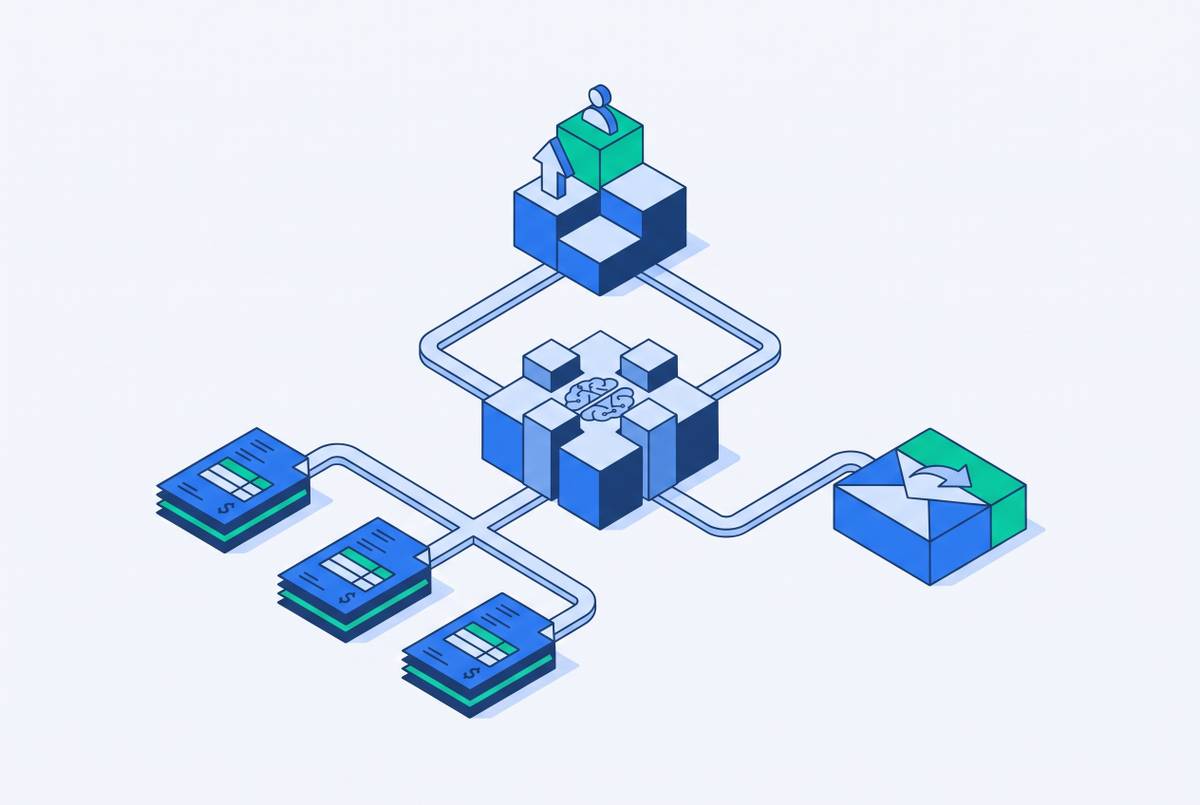
The agent then needs to reconcile the invoice with other records. That may mean reading the PO reference on the invoice, cross-referencing the supplier’s ERP, and querying the buyer’s open PO list. Those sources help distinguish a wrong invoice reference from a wrong destination. Neither conclusion follows from an empty search alone. The agent must establish which PO the invoice belongs against before choosing how to submit it.
With that relationship established, the next decision concerns the submission path. A PO-to-invoice flip may be available through the buyer-initiated path, or the supplier may need to initiate the invoice independently. The route depends on the buyer, the invoice, and the PO. If the attempt produces a Workbench task instead of advancing, that response becomes evidence for the next decision.
Reading a rejection and deciding what it actually means
A portal response identifies a condition, but it does not always explain its cause. “No matching PO” tells the supplier that a match was not found under the relevant account, leaving unresolved whether the invoice has the wrong number, the agent selected the wrong buyer entity, or the buyer never raised the PO. The message narrows the investigation without finishing it. That gap is where interpretation begins.
A mismatch requires a different investigation from a missing PO. Extracted line amounts, quantities, or unit prices may disagree with the PO because of a real discrepancy or an extraction error on either side. The agent needs to work out which of those caused the mismatch before changing anything. A required attachment creates another branch entirely. A W-9, certificate of insurance, or remittance detail may be missing even when the invoice values reconcile.
Not every Workbench task is itself a rejection. “Review and Submit Invoice” is the normal unflagged route, while the other states identify work needed before the invoice advances. Treating every task as failure would be as unhelpful as treating every upload as success. Coupa’s September 2026 press release describes generally available agents that check invoice attachments against invoice records. Attachment validation is part of the workflow.
The portal may leave an invoice stalled without saying what to do next, so the agent must look at past submissions, the buyer’s known requirements, and what is in the invoice. A document that seems to be missing is still a guess until the records and requirements support it. Otherwise, the agent risks correcting the wrong thing with great enthusiasm.
Resolving document gaps before resubmission
Some rejections cannot be fixed inside the invoice form. A missing W-9 requires retrieval from the supplier’s own records, followed by a return to the portal to attach it. If the available document has not been filed recently enough to meet that buyer’s requirements, the agent must flag the gap to a human. The portal cannot supply what the supplier does not have. Its rejection merely exposes the missing dependency.
A PO reference mismatch sends the work elsewhere again. The agent must query the ERP to establish the correct number, correct the invoice, and only then resubmit. Attachment restrictions require a different repair. Where the buyer’s configuration rejects an unsupported format or a file above its size limit, the agent must reformat and reattach the document. Re-uploading the same file preserves the reason it failed.
Sometimes the missing input is an answer. The agent may need to contact the buyer’s AP team for the correct PO, confirmation of a discrepancy, or clarification of the required document. That work includes composing a message, sending it, and handling the reply. The answer may live in an email thread.
This is the practical link between collections and operational blockers. An invoice can remain unpaid because its submission package is incomplete or because nobody has closed a communication gap. Effective AR work includes resolving those dependencies. The useful capability is moving information from wherever it lives into the form the buyer needs.
Resubmission as a loop, not a single retry
Fixing a PO reference can reveal another issue that was hidden while the PO could not be matched. The next response might flag a data mismatch, and after that is fixed, a required attachment might still be missing. An invoice stuck in the portal may therefore need several rounds of submission, rejection, and fixes. Each round produces new information to interpret. The agent cannot assume that the latest rejection means the same thing as the previous one.
To manage that sequence, the agent must retain state across attempts. It needs to know what it submitted, what the portal returned, and what changed before the next attempt. Without that memory, a retry can repeat an already disproven approach. Persistence then becomes a very punctual form of forgetting. Each new attempt should draw on the latest response and what was fixed before.
The November release also describes invoice tooling that checks attachments against records and identifies mismatches. A correction is tested against the remaining requirements. The agent’s job is to follow the invoice through those checks. Completion depends on the resulting state.
A PO may never have been raised, the buyer’s approval chain may be blocked, or a configuration error may require the buyer’s IT team. More submissions do not change who controls those problems. At that point, the agent must stop trying to solve the issue through the portal and escalate to a human. Recognizing that boundary is part of the work.
What determines whether a portal-navigating agent is working or just busy
The strongest evidence of portal competence is a response-specific action. An agent facing a missing PO should investigate the reference and buyer context, while one facing a missing attachment should retrieve the document or resolve its absence. Identical retries across different rejection types show activity without diagnosis. The invoice can keep aging through all of it.
The agent should be able to report what it tried, what the portal returned, and what it corrected before trying again. That account makes the reasoning behind the next action visible. It also distinguishes a new problem from a recurring one.
A capable agent resolves document gaps through ERP queries, supplier records, or buyer communication before returning with a complete package. It neither hands every unfamiliar response to a human nor cycles indefinitely around a buyer-controlled blocker. Escalation needs a reason grounded in the portal’s response and the attempted resolution. Stopping can be the correct action, but stopping at the first difficulty is not end-to-end handling.
Finance leaders evaluating an AI AR team should ask what the agent does when Coupa returns “no matching PO.” A substantive answer explains how it investigates, what it can correct, how it tracks the next response, and when it needs help. A claim to handle both Coupa and another procurement portal needs portal-specific evidence. An agent must be able to account for what happens to the invoice after it enters the portal.