Ariba Invoice Uploads Without Touching the Portal Yourself
Four automation routes can move invoices into Ariba without manual portal work.
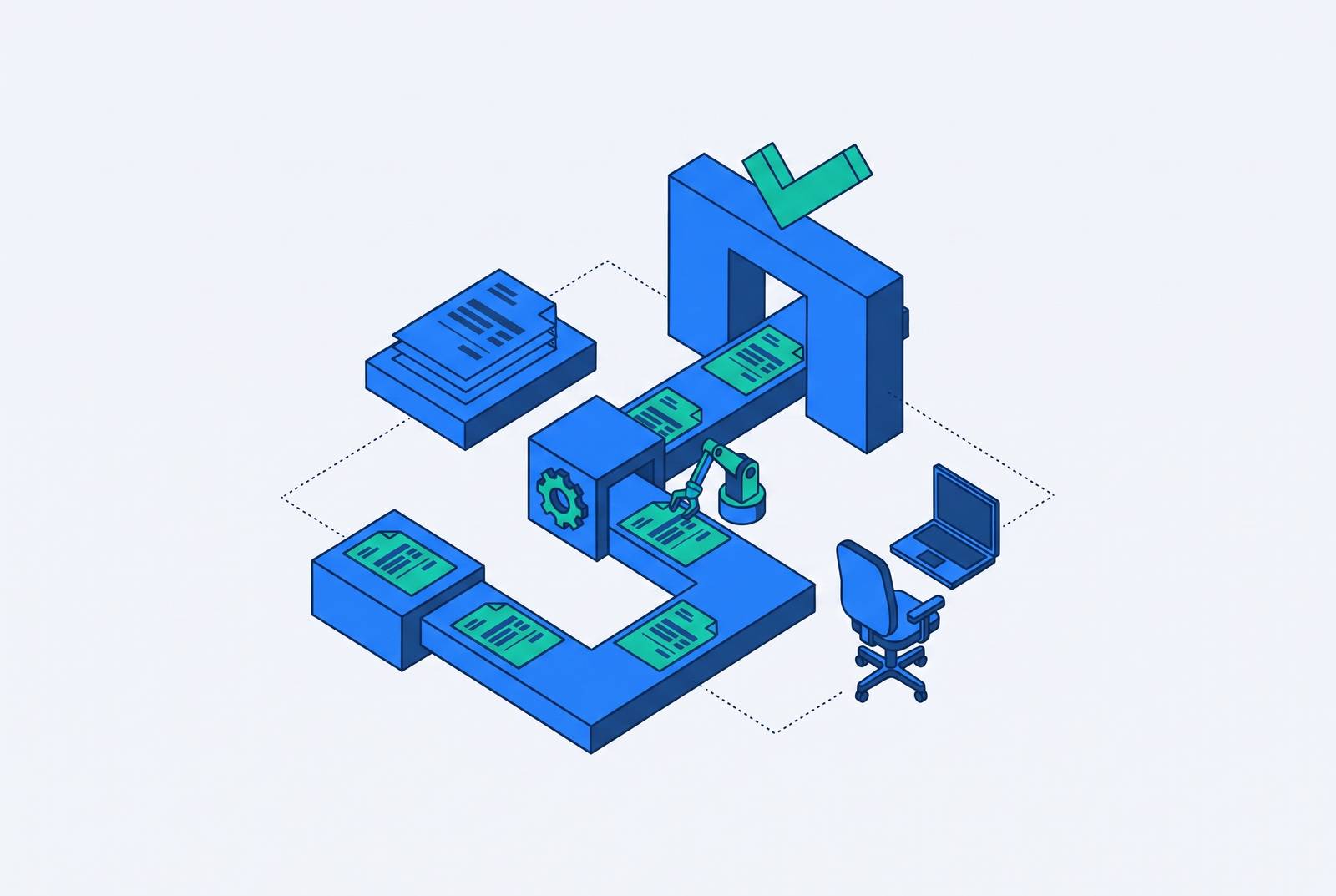
Suppliers can get invoices into Ariba without entering them in the portal themselves by using structured integrations, PDF conversion, batch submission or a managed service. Choosing the right route requires looking beyond whether a tool advertises AI to invoice volume, technical resources and invoice type. For teams seeking end-to-end help, submission is only part of the job. The work leaves the AR team’s desk only when error handling, buyer escalation and status tracking are covered.
Why suppliers get stuck at the Ariba portal even when they expected a simple transaction
For one invoice, the portal is often the easiest way. Locate the PO, re-key the fields, attach the document and submit. At higher volumes, that same sequence becomes a recurring labor bill, with manual keying adding opportunities for errors. Nothing in the default supplier account automatically removes that work.
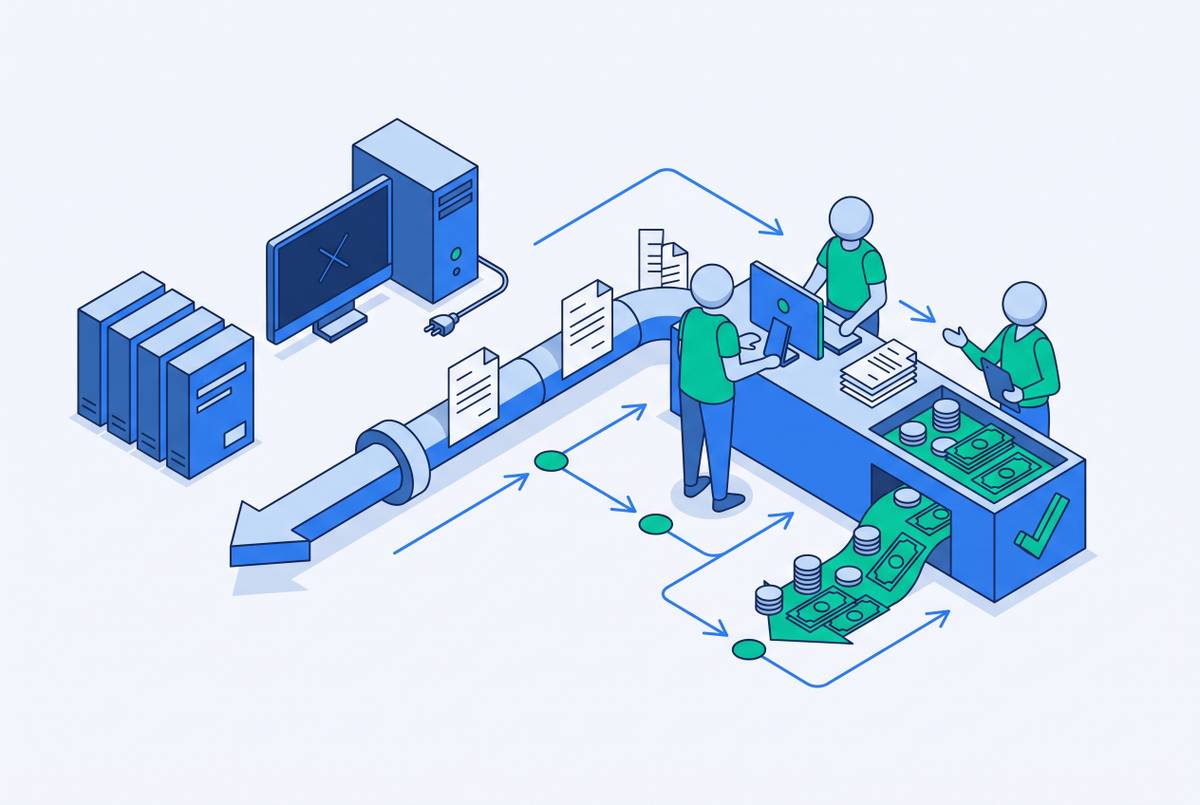
Rejections make the cost larger than the time spent typing. Someone must find the error, bring in the buyer, fix and resubmit the invoice, then wait for approval again before the payment clock starts. That cycle adds to days sales outstanding, or DSO. Even “flipping a PO” into an invoice through SAP Business Network requires someone to act in the portal unless an integration is active. Four other channels let suppliers move away from entering invoices one by one, though some leave more portal work than others.
The four channels Ariba actually supports for portal-free invoice submission
Ariba’s alternatives are cXML, EDI, Intelligent Invoice Conversion and CSV batch upload. cXML sends structured XML directly to the Ariba Network through an HTTPS post. EDI uses the network’s gateway to connect an existing electronic document exchange environment. Both replace manual entry with structured transmission, but they demand different infrastructure.
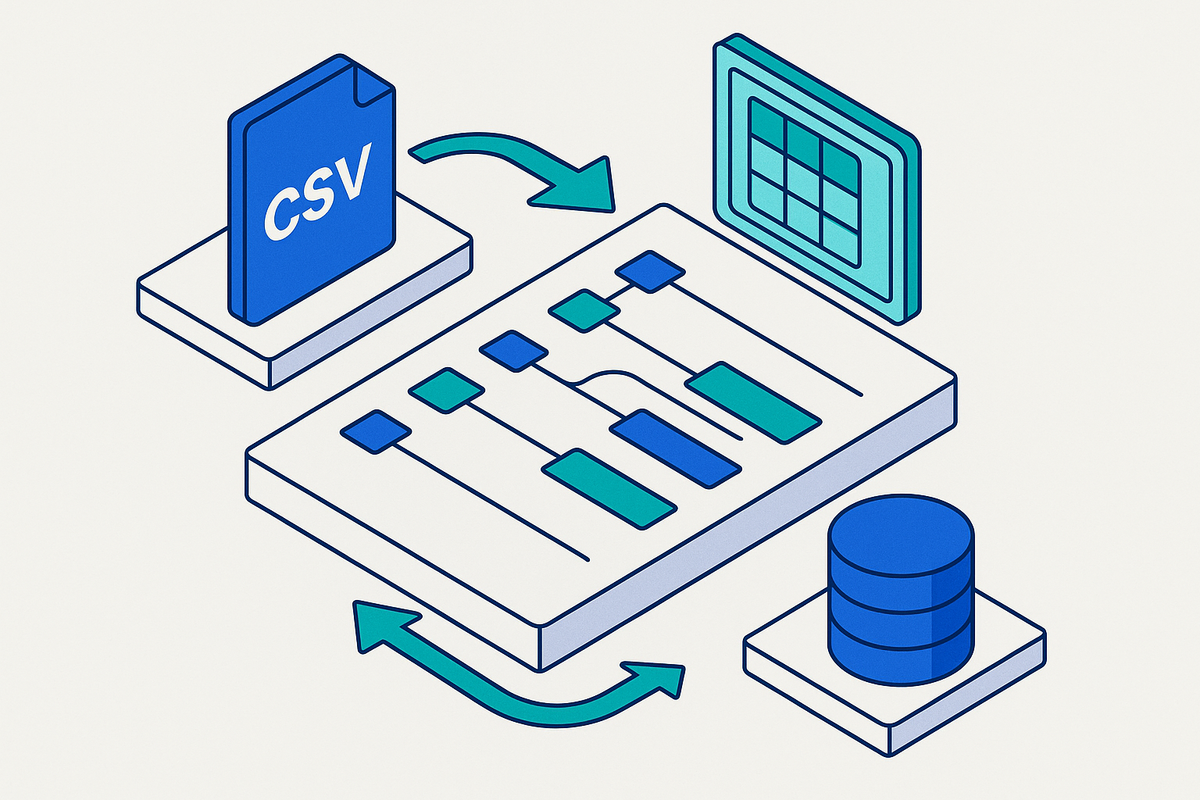
Intelligent Invoice Conversion, or IIC, extracts and maps invoice fields from a PDF, then creates an electronic invoice. CSV batch upload uses a buyer-specific CSV or Excel template to create invoices in bulk. These are not four identical flavors of automation. PDF email submission can remove routine portal interaction, while batch upload removes repetitive invoice creation but may still require logins. A managed service offers a separate operational choice by taking responsibility for submission on the supplier’s behalf.
cXML: how direct programmatic submission works and what it demands from the supplier
cXML gives technically equipped suppliers the most direct programmatic route. The supplier posts a cXML message through HTTPS to the Ariba Network, transmitting invoice data without human intervention in that submission step. The cXML Reference Guide version 1.2.071 governs the message format and transaction structure. An invoice must arrive as a correctly formed electronic message.
There are two deployment modes to distinguish. The standard supplier route submits through the network itself, while the buyer-side HTTP API uses a path ending in /Buyer/cxmlchannel/[AribaNetworkID]?ExternalCXMLRequest=true. That buyer-side site can handle up to 10 incoming external cXML invoices per minute and works best when they are sent one at a time. The supplier needs ERP software or middleware that generates well-formed cXML, an HTTPS endpoint capable of receiving and processing responses, and technical staff to build and maintain the connection.
The buyer can also control access to the route. Google (Alphabet) made EDI and cXML available as digitized alternatives to manual processes, including mailing hard copies, emailing documents and uploading them into portals. Google sends interested suppliers to a B2B Ariba EDI/cXML Integration Interest Form, so suppliers must work with the buyer to use the channel. That combination of engineering and enablement creates a high entry barrier. It may make sense for a supplier to set up integrations for buyers with more invoices and keep using manual entry for those with fewer.
EDI: when existing infrastructure makes the Ariba gateway the fastest path
EDI is not the consolation prize for suppliers without cXML. For a supplier already operating an EDI environment, it can be the better route because it preserves the infrastructure and operating investment already in place. The Ariba Network gateway supports ANSI X12 and EDIFACT. In X12, the invoice transaction set is the 810, within an exchange that can also include purchase orders, acknowledgments and advance ship notices.
The supplier connects its existing environment to that gateway. SEEBURGER provides conversion middleware that can bridge differences between native EDI and Ariba’s requirements through mapping, conversion and validation. This can avoid building a new integration from scratch or migrating to another protocol just to reach an Ariba buyer. EDI needs at least the same Silver Enterprise subscription tier as cXML, and suppliers still pay transaction fees.
Intelligent Invoice Conversion: what AI-powered PDF submission does and does not cover
IIC brings the technical requirement much closer to everyday invoicing. The supplier emails or uploads a PDF, AI extracts and maps its fields, and the system creates and transmits an Ariba Network invoice document. No ERP integration or EDI environment is required. To set it up, the supplier uploads a typical invoice template to SAP Business Network, then confirms the suggested field mappings. After that, the supplier can submit actual invoice files.
IIC is currently available only to Enterprise Suppliers, and it does not support invoices referencing multiple POs. Credit memos, line-item credit memos and debit memos are also unsupported. Material invoices are supported, but service invoices are not. An easy submission route is little help when the invoice itself is out of scope.
Within those boundaries, IIC offers a useful setup advantage. It is supplier-configured without requiring buyer enablement or SAP involvement and is available with SAP Business Network Commerce Automation, including the foundation option, SAP Business Network Supplier Portal and SAP Business Network Supply Chain Collaboration. SAP Ariba Invoicing’s product page describes the broader AI OCR capability as combining SAP Document AI, intelligent metadata extraction and LLMs, with extraction improving through correction and validation feedback. That broader capability does not erase IIC’s documented exclusions.
CSV batch upload and managed submission services: how can someone handle portal submissions for the AR team?
CSV batch upload suits suppliers with a volume problem but no resources for an integration. It requires an Enterprise account and a customer-specific CSV or Excel template supplied by the buyer. There is no universal format to reuse across customers. The template dependency therefore comes before the workflow design.
A bulk invoice creation capability activated automatically on May 15, 2026 allows users of next-gen SAP Ariba Invoicing in SAP-managed deployments to create and submit multiple invoices through Excel files, with configurable submission rules. That capability expands bulk processing in that setting. It should not be mistaken for a universal supplier-side route available across all buyer relationships. Working in batches cuts down on repeated entry, but someone still has to handle the work.
Managed submission changes who owns that work. EnterMyInvoice positions itself as a bridge in which the supplier emails a PDF, XML or Excel file, OCR and AI extract the data, and the service creates and submits the invoice to Ariba. It states free onboarding and no setup or mapping fees. The supplier does not have to touch the portal. The broader value of a managed service is responsibility for errors, escalation and status tracking after submission.
Sending invoice emails does not put them into the customer portal, and uploading an invoice does not resolve a rejection. The Ariba submission description above does not establish coverage of other customer portals or every post-submission responsibility for that provider. A credible comparison therefore depends on the named portals covered and the work retained by the service, rather than treating “AI-powered AR” as a complete job description.
The account tier and fee structure that gates most of these channels
The automated channels described here have Enterprise requirements, with cXML and EDI routing setting the minimum subscription level at Silver. The fee model has two components, a transaction fee based on document value and a subscription fee based on document count. The percentage fee is higher for transactions with service sheets than for those without them. Technical fit is only half the purchasing decision.
With Standard accounts, suppliers can send as many free invoices as they need, with no per-document fees. The constraint is access to automation. Suppliers can reasonably object to paying to invoice their own customers, and that is a commercial question. Some pass the cost back through pricing, while others decline to onboard. Any comparison of automation costs needs to account for that fee exposure as well as the manual work it replaces.
Matching the right channel to volume, infrastructure, and invoice complexity
At low volume, with no technical resources and standard invoices, a portal PO flip remains viable because the manual workload is bounded. There is no prize for building an integration to avoid a small amount of work. At moderate volume, an Enterprise supplier without ERP integration can consider IIC for supported material invoices. Multi-PO invoices, service invoices and credit memos need another route.
For moderate-to-high volume, CSV batch upload fits when the buyer provides a template and the supplier has an Enterprise account. The May 2026 Excel capability adds bulk submission in the specified next-gen deployment setting. At high volume, existing EDI infrastructure points toward the Ariba gateway. An ERP with XML capability and available technical staff points toward cXML for maximum control, with its higher setup burden.
A managed service fits a different preference. It shifts operational work away from teams that do not want to manage submission and its follow-up themselves. Whatever the route, missing POs, amount tolerance mismatches and locked submitted invoices can still create rework. A missing or wrong PO number is the most common rejection trigger across buyer AP portals broadly. Getting that reference right before submission does more for payment progress than sending a flawed invoice through a faster pipe.
What to do before choosing a channel: the prerequisites suppliers miss
The preparation starts with account setup and invoice data. Confirm whether the buyer relationship triggers Enterprise fees and whether the volume justifies the cost before committing to automation. Get the PO number before raising the invoice. Also establish the buyer’s amount tolerance settings, because variances above the configured threshold send an invoice to manual hold regardless of the submission channel.
For IIC, check that it supports the invoice types before relying on PDF submission. For cXML or EDI, confirm that the buyer has activated the channel on its side. Google’s interest-form process illustrates a prerequisite the supplier cannot control alone. For CSV, request the buyer’s specific template before building the workflow, since another customer’s format is not a substitute.
For finance teams that do not want to own these preparations internally, a managed AR service can handle document gaps, portal-specific requirements and post-submission status tracking as part of the workflow. That scope is the distinction between outsourcing an upload and outsourcing the work around it.