CSV Sync and Data Mapping in AR Automation Platforms
CSVs remain essential for AR automation because APIs can't reach all your invoice data sources yet.
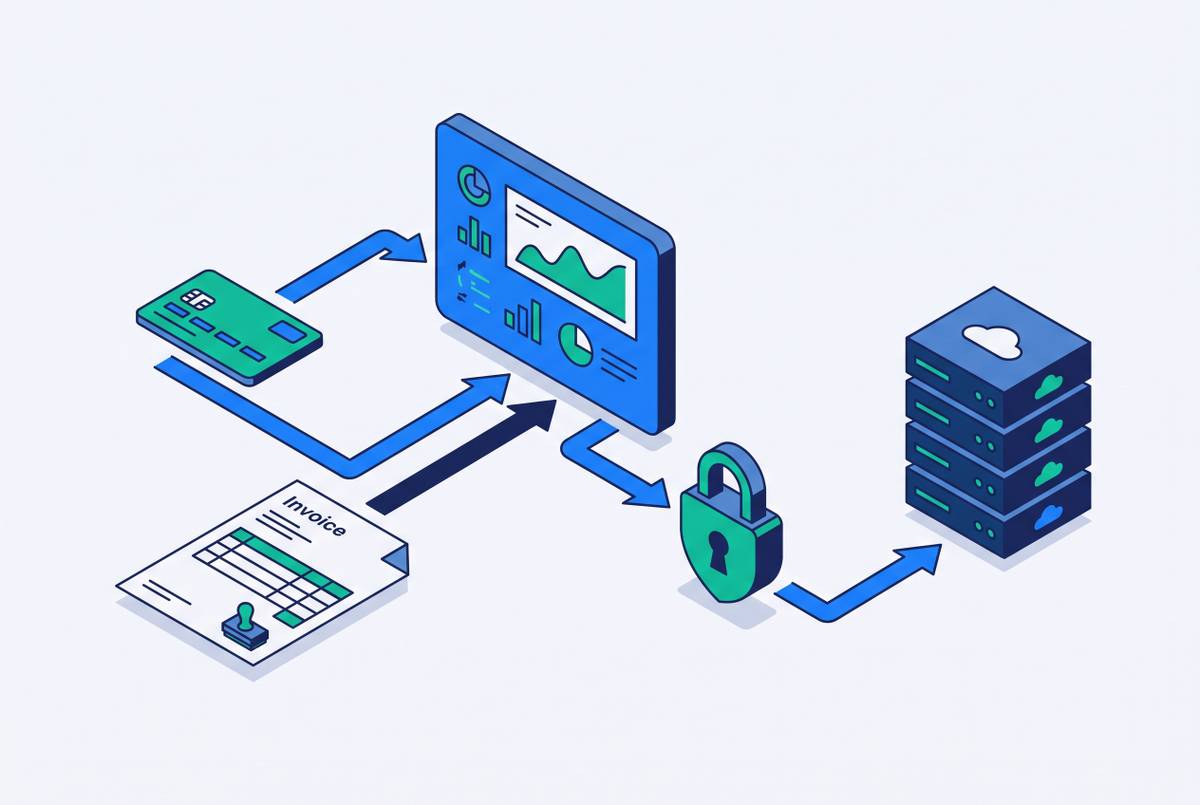
CSV sync sticks around in accounts receivable automation because it solves a problem APIs haven't finished solving: getting invoice data out of one system and into another when a clean, direct connection isn't available, isn't affordable, or simply isn't offered. Invoice data doesn't live in one tidy place. It starts scattered across ERPs, CRMs, usage databases, product telemetry, and the odd old spreadsheet someone built years ago and never retired, and all of it needs to get unified before any collections action can happen. Most AR automation now runs in the cloud, so API-first integration looks like the obvious architectural choice on paper. In practice, the distance between "API-first in theory" and "API-accessible right now" is wide enough that CSV remains the default handoff format for a lot of finance teams, regardless of what the vendor pitch deck says.
Usage-based billing makes this worse, not better. LedgerUp found that finance teams at growth-stage SaaS companies lose 1 to 5 percent of ARR to manual billing errors this way. Nobody designed this process on purpose, but it leaks real money.
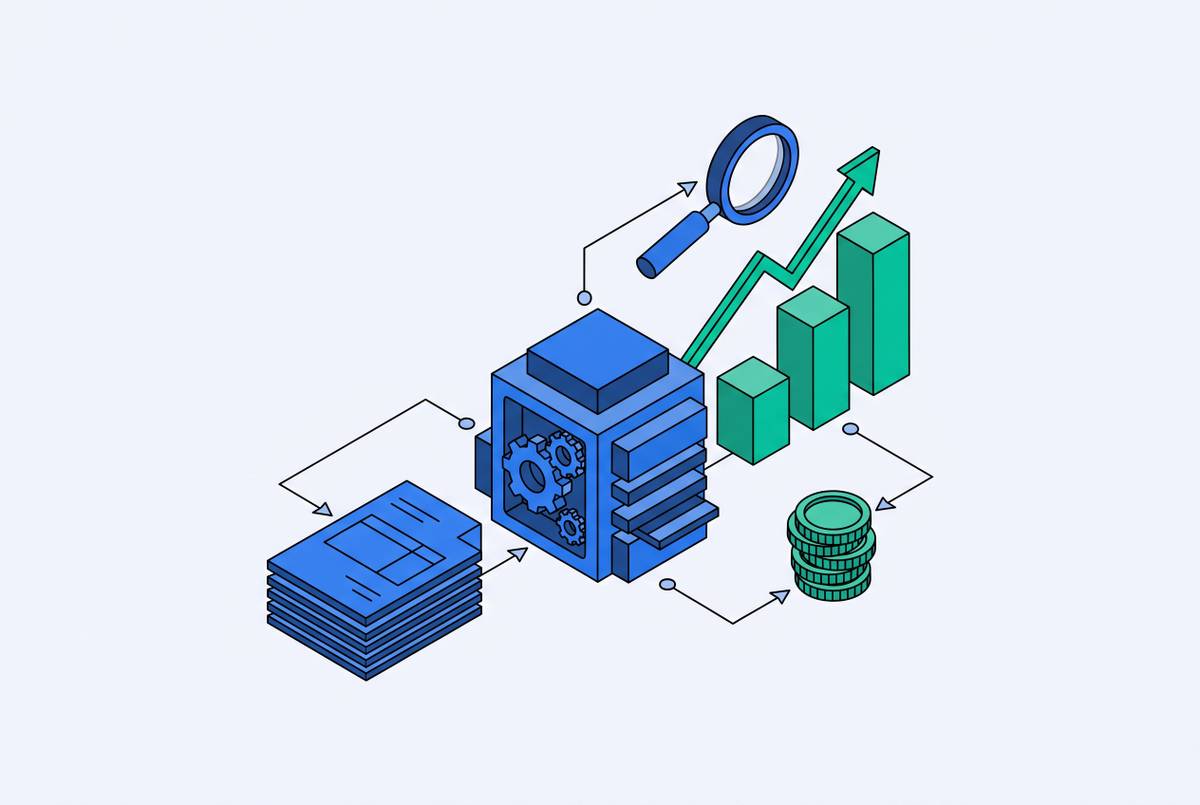
None of this means the CSV itself is a strategy. It's a bridge between manual spreadsheet billing and a controlled billing system, and whether that bridge holds weight depends on the control layer around it: field mapping, validation, rating, an audit trail, a working ERP sync. CSV sync is recurring and structural, because it isn't a one-time favor someone in accounting does every quarter. Getting it right means treating it like what it is: a pipeline, with stages, with failure points, and with consequences that appear long after the file was uploaded.
The four stages that every CSV sync pipeline runs through
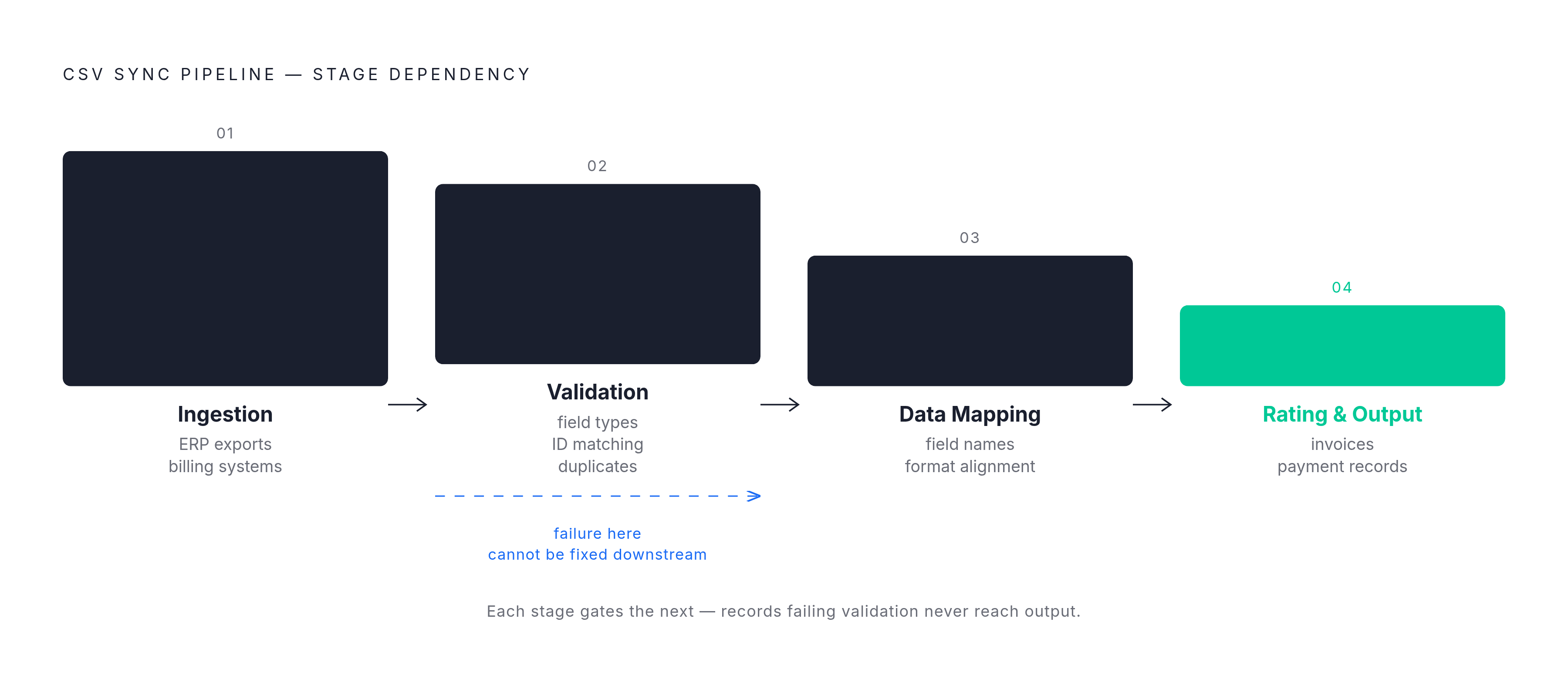
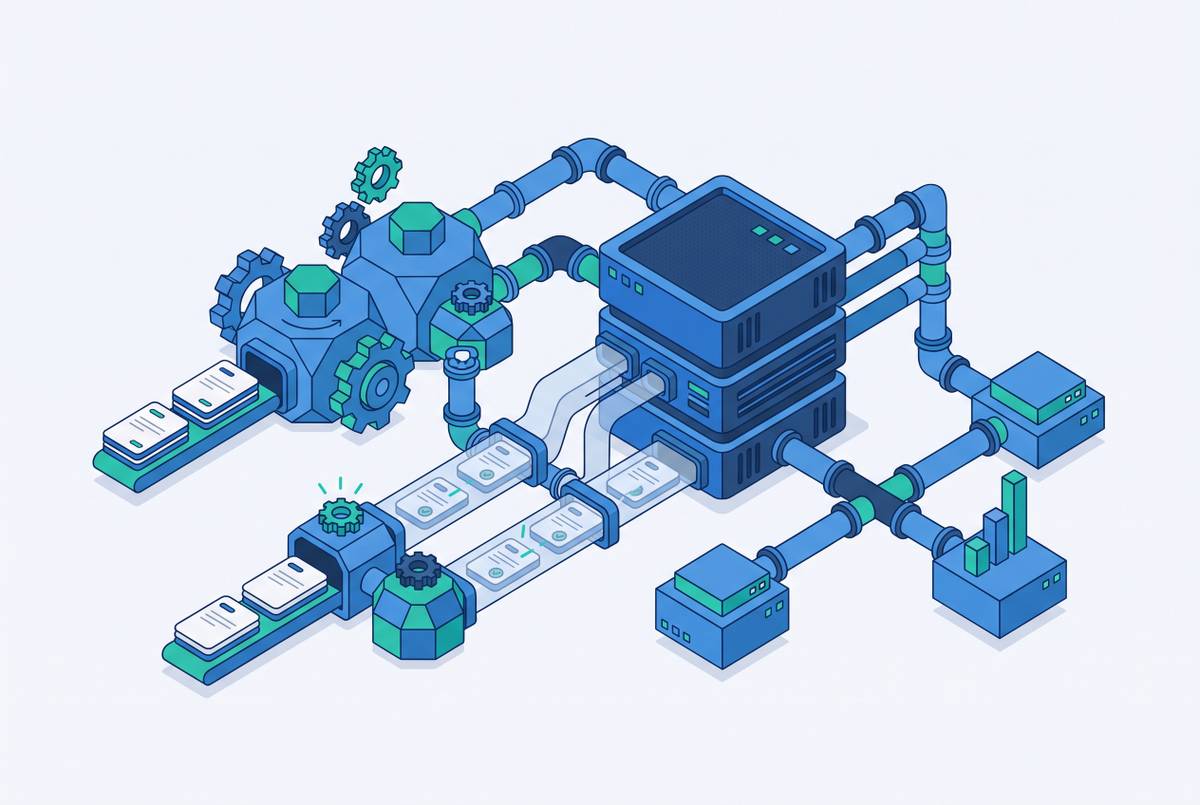
Every CSV sync pipeline in AR automation runs through four stages: ingestion, validation, data mapping, and rating with output generation. If any one of these stages is treated as an afterthought, that's exactly where production failures start.
Ingestion comes first: getting raw data in from ERP exports, product databases, or third-party billing systems. It arrives by drag-and-drop, by SFTP pull, or by email attachment parsing, and the delivery method matters because it sets the latency baked into the whole sync, which becomes a bigger deal the closer you get to month-end close. LedgerUp's usage-based billing guide makes the point that the source of the usage data matters less than the fields and controls wrapped around it. Missing any of those three means nothing downstream can be trusted.
Validation comes next, and its job is to catch bad data before it corrupts everything after it. This stage checks field completeness, data type conformance, customer ID matching, and duplicate detection. Reference checks flag an unknown customer, SKU, or product code. If a file got re-uploaded or a usage event got logged twice, duplicate checks will catch it. This is the stage most finance teams underinvest in, mostly because it's invisible when it's working and only visible when it isn't.
Stage four is rating and output generation, where business rules get applied so actual invoices or matched payment records come out. Modern AR platforms run deterministic rules first, and then they layer in AI-powered suggestions with confidence scoring for the trickier edge cases. This is the step that turns usage data into money owed.
Each stage depends entirely on the one before it. A validation failure at stage two can't be patched at stage four. Invoice data originating across ERPs, CRMs, usage databases, and spreadsheets has to be unified before any of it reaches a customer, and platforms that automate collections across email, phone, and SMS depend on that clean, mapped data arriving reliably through this pipeline so follow-ups trigger on schedule instead of on guesswork. Payments arrive all day long, but general ledgers update overnight, so a structural lag forms, and you can only fix it with deliberate pipeline design at each of these four stages.
Where data mapping breaks most AR integrations
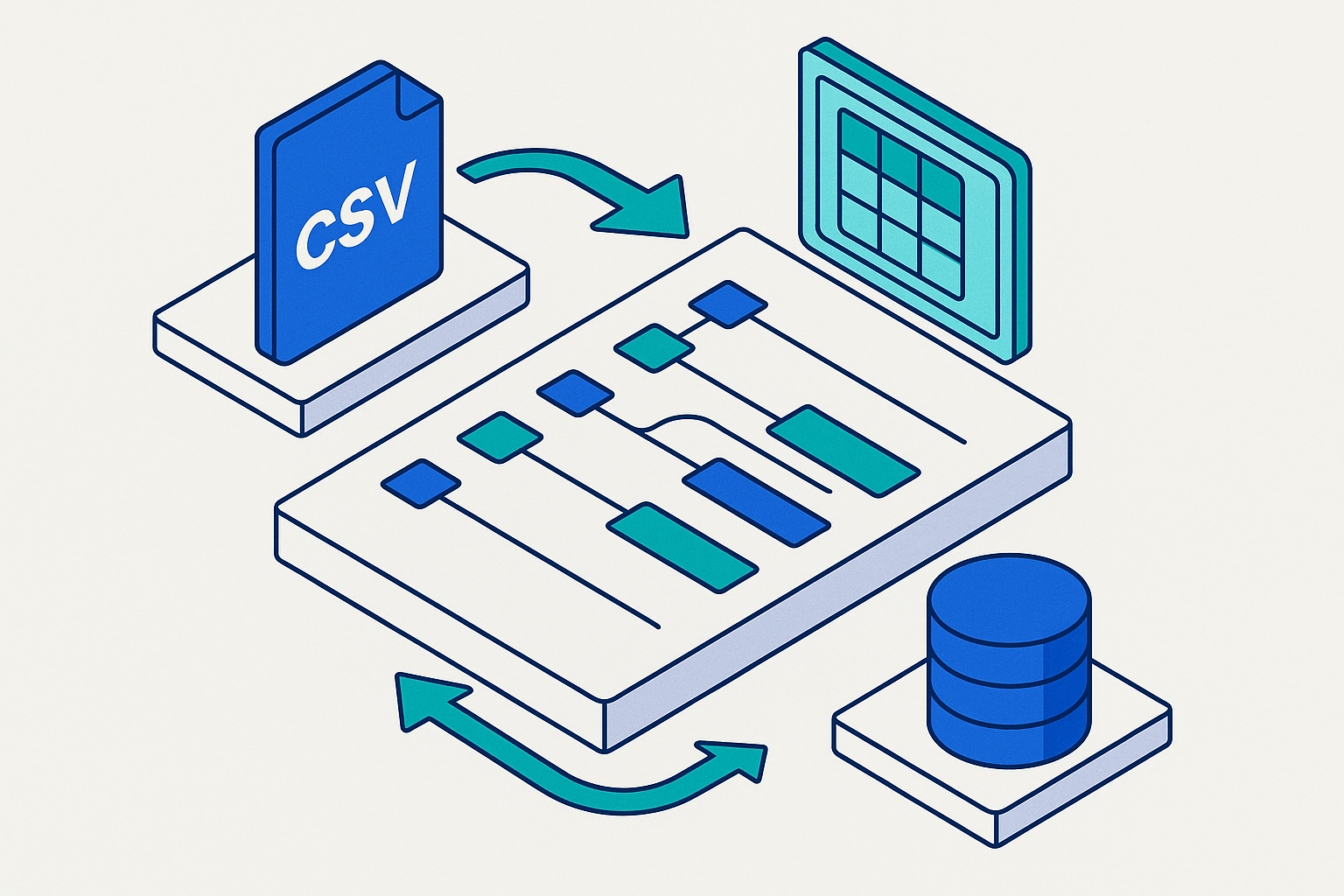
Invoice formats don't follow a universal standard, and that absence is the whole reason data mapping turns into the stage where an AR integration either holds up or starts generating cascading errors. "Invoice date" appears as "inv_dt" in one system and "Date of Issue" in another, and none of them are wrong, they just don't agree with each other.
Some platforms demand that CSV headers match their template exactly, down to spelling, capitalization, and spacing. A column labeled "Invoice Date" can fail validation outright where the system expects "invoice_date," lowercase, underscore and all. That's a Tuesday.
Regional conventions compound the mess. Portal integration adds another layer. Leading AR platforms maintain connections to hundreds of different portals, each with its own format requirements, and they convert invoice data automatically into whatever that portal needs, XML for one, CSV for another. That conversion work is arguably the most complex piece of modern AR automation, because it never stops: new portals appear, old ones change their rules, and the mapping layer has to keep pace quietly in the background.
Even small mapping errors create outsized downstream problems. A wrong customer name, an incorrect payment term, a mismatched tax detail, a miscoded invoice line: these produce duplicate customer records, missing remittance details, and inconsistent customer identifiers scattered across systems. If you pair structured data pipelines with persistent follow-up, whether driven by AI or by a human collections team, you tend to outperform systems that treat CSV ingestion as a single data load instead of a recurring, quality-gated process that needs tending every cycle.
The failure modes that show up in production after go-live
The CSV sync failures that do the most damage aren't the ones that throw an error message. The dangerous ones are silent, and they propagate through AR workflows for weeks before anyone notices the ledger has drifted from reality.
Schema drift is the clearest example. Microsoft Learn puts a number on it: around 40 percent of rows can get rejected in a single batch run when schema drift strikes, and finance teams usually find out when a batch fails at month-end, which is the single worst moment for this to happen.
Column mismatches are the most frequent cause of failed CSV imports generally. If a single column mixes date formats, you get the same kind of cascading failure, especially when files get stitched together from multiple sources.
Duplicate records sneak in when incremental CSV exports re-include rows from prior runs. Distorted DSO calculations, skewed AR aging reports, and cash flow forecasts that are confidently wrong follow from this. Fix it at the transformation layer, with composite keys or hash-based deduplication, so nobody has to notice the numbers look off and figure out what happened.
Stale data is its own quiet failure mode. When AR, ERP, and banking systems all sync on overnight schedules, the ledger reflects yesterday, not today. None of these are exotic problems. They're just the ordinary cost of running a pipeline that has no architecture built around where it tends to break.
What AI-assisted mapping and agentic pipelines change
AI-assisted mapping cuts down the manual grind of configuring field matches by hand, and it does that job well.
AI mapping tools work by analyzing source headers and sample data, then returning confidence-scored proposals for how fields should line up. They catch the variations that trip up exact string matching, like CustID versus Customer_ID or dob versus Date of Birth, the kind of near-miss a human reviewer would catch in half a second but a rigid script never will. High-confidence matches get accepted in bulk. Only the genuinely uncertain ones get kicked up for a person to look at.
Agentic pipelines are the bigger shift, and 2025 into 2026 is when they started showing up for real. AI agents now orchestrate multi-step migration workflows on their own: profiling source data, generating mapping rules, executing the transfer, validating the output, retrying failed segments, all without a human touching each step. The human role doesn't disappear, it moves: you go from running the pipeline to reviewing exceptions and signing off on the decisions that carry real risk.
Microsoft's acquisition of Osmos is the clearest example of where this is headed. Osmos is a startup built around agentic AI for data engineering workflows, and Microsoft is folding it into Fabric, built on OneLake, Fabric's unified data lake. Roy Hasson, Microsoft's senior director of product, told Redmond Magazine that Osmos reduced customers' development and maintenance effort by 50 percent, per Microsoft's own figures. Osmos began winding down its standalone product in January 2026 as the technology moved into Fabric, so anyone evaluating it should know it isn't available on its own anymore.
...a traditional deterministic pipeline would have surfaced loudly as a rejected batch, and that's the trade. A practical boundary has formed around what AI shouldn't do without a human in the loop: post import batches, create vendors, customers, accounts, or tax codes, touch historical accounting records, override a target system's validation errors, infer accounting treatment from a file with no other context, or push a previously rejected file into production without a reviewer signing off first. Microsoft is expected to build human-in-the-loop checkpoints into Fabric to manage this tension, but across the broader market, nobody has resolved it yet.
Evaluating an AR platform's CSV sync and mapping capabilities
The questions worth asking a vendor are about what the platform does the moment something breaks mid-month, because that's when CSV sync either earns its keep or costs someone a very bad Friday.
Two questions cut through most of the marketing noise. If the answer is no, the platform hasn't eliminated the manual work, it's just relocated it to a queue somewhere.
ERP integration depth deserves its own evaluation, separate from CSV sync quality. LedgerUp's AR platform comparison draws a useful line between batch CSV uploads and genuine bidirectional real-time sync. "NetSuite integration" gets used to describe both, and the gap between them decides whether the AR aging data on screen is current enough to actually act on or just current enough to look current.
Audit trail completeness matters for anyone who has to answer to a SOC 2 auditor. Auditors examine whether the billing system keeps an immutable record of every invoice generated, every payment applied, every dunning email sent, and every manual override along the way. A CSV-based process with no change log has a gap in that trail no matter how carefully the mapping itself was built.
Whether the mapping layer can handle the data a given company produces depends on billing model support. Usage-based, hybrid, and tiered pricing generate the complex, multi-source CSV files where mapping failures concentrate, so a platform tested only against simple subscriptions may fall apart the moment it encounters real usage data. When data mapping gets treated as a configuration checkbox instead of a deliberate, auditable step, the corruption that follows spreads quietly into collections workflows, and teams lose track of which invoices are mapped correctly, which payment commitments are actually being tracked, and which follow-ups are firing off corrupted records instead of clean ones. Software can store invoices and balances well enough. It often can't standardize unstructured inputs on its own, and if a team still has to interpret scanned documents, rename attachments, clean up CSVs by hand, and manually match remittance details, what they're running is a manual process wearing digital packaging.
How AR platforms handle CSV sync
A collections platform can approach CSV sync as the control layer the earlier sections describe, treating it as a connected part of the collections tool rather than a one-time upload step bolted on. Its design treats ingestion, validation, mapping, and output as a connected sequence, which matters because automated follow-up across email, phone, and SMS is only as reliable as the invoice data feeding it. A collections message triggered off a corrupted or stale record doesn't just fail quietly; it reaches the wrong customer at the wrong time, a worse outcome than no automation.
Some AR platforms lean heavily on native ERP connectors and treat CSV as a fallback option, which works well when the ERP integration is genuinely bidirectional and real-time, and works a lot less well when "integration" turns out to mean a nightly batch job wearing a nicer name. Others build their mapping layer around AI-assisted suggestions, which speeds up onboarding considerably, but then you have to ask how much human review sits between a confidence score and an invoice going out the door. Membership-style platforms built for a narrow billing model, simple monthly subscriptions, for instance, can handle CSV sync cleanly within that narrow lane but tend to strain the moment usage-based or tiered pricing enters the picture, for the same reason described above: the files get more complex, and mapping failures concentrate exactly there.
Choosing between these approaches comes down to the same diagnostic questions raised earlier: what happens when the schema changes without warning, whether a finance analyst can fix a mapping error without opening a ticket, and whether the audit trail holds up under real scrutiny. If you build a CSV sync pipeline with those answers in mind, it can survive the mid-month surprise, not just the demo.