accounts receivable automation tools that eliminate manual collections work
True AR automation covers everything after the invoice ships, not just the sending itself.
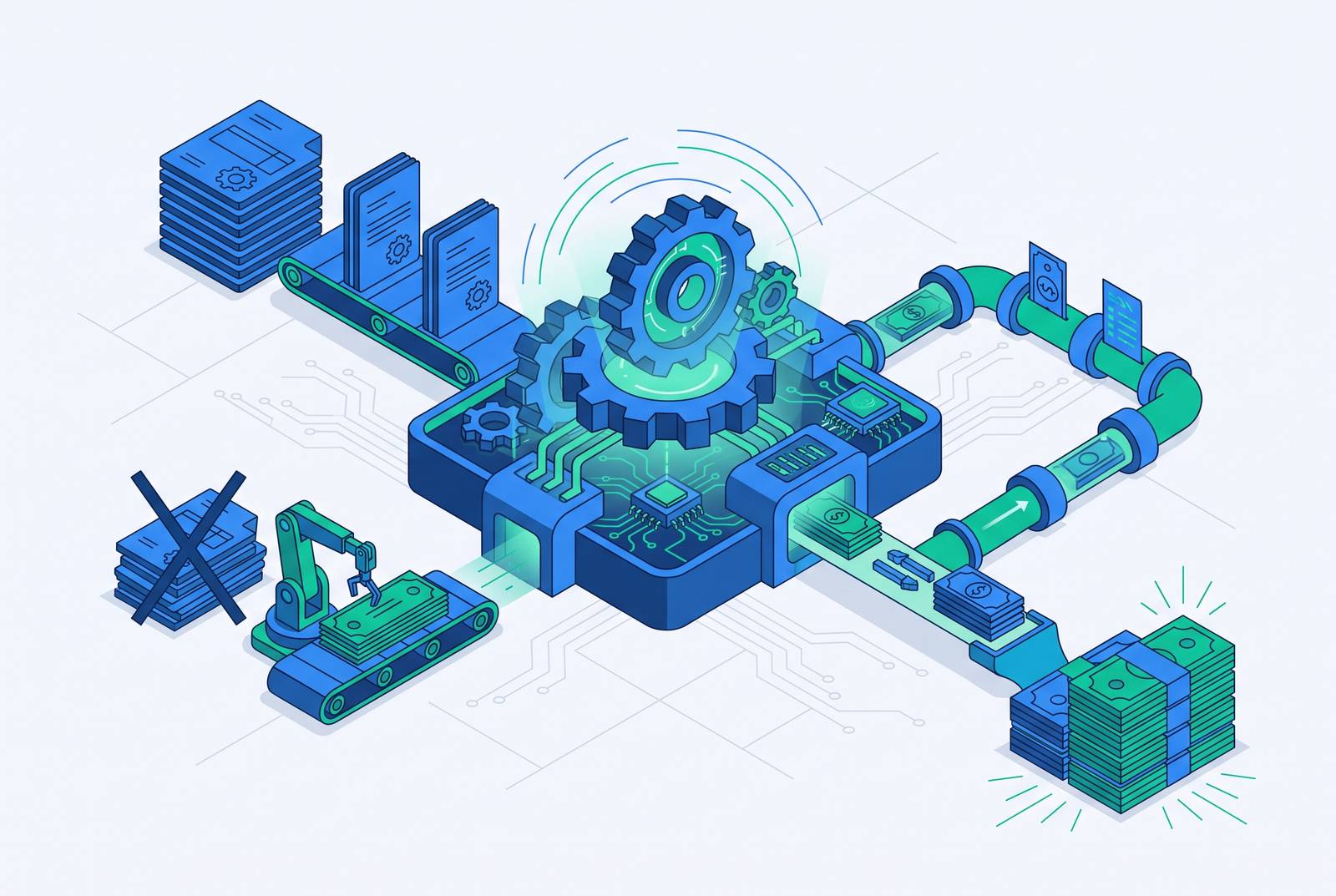
Plenty of finance leaders believe their AR is automated because invoices go out on a schedule, without anyone touching a keyboard. That confidence is misplaced for most of them. Billing automation does exactly one job: it generates the invoice and sends it. Once that invoice lands in a customer's inbox, its work is finished. AR automation is a different animal. It covers everything that happens after the invoice ships: confirming it was delivered, following up on payment, capturing remittance details, matching payments to invoices, and reconciling the books. If you skip that second half, you turn every invoice that doesn't get paid on the first try back into a fully manual problem. The gap between "sent" and "paid" doesn't close itself. Someone on the finance team has to notice the invoice is late, chase it down, and figure out what happened, and that's true whether the invoice was generated by hand or spat out automatically by a billing system running like clockwork. Everything in this piece builds from that one distinction, so keep it in your back pocket: automating the sending of a bill is not the same accomplishment as automating the collecting of a payment.
What the full post-billing lifecycle contains
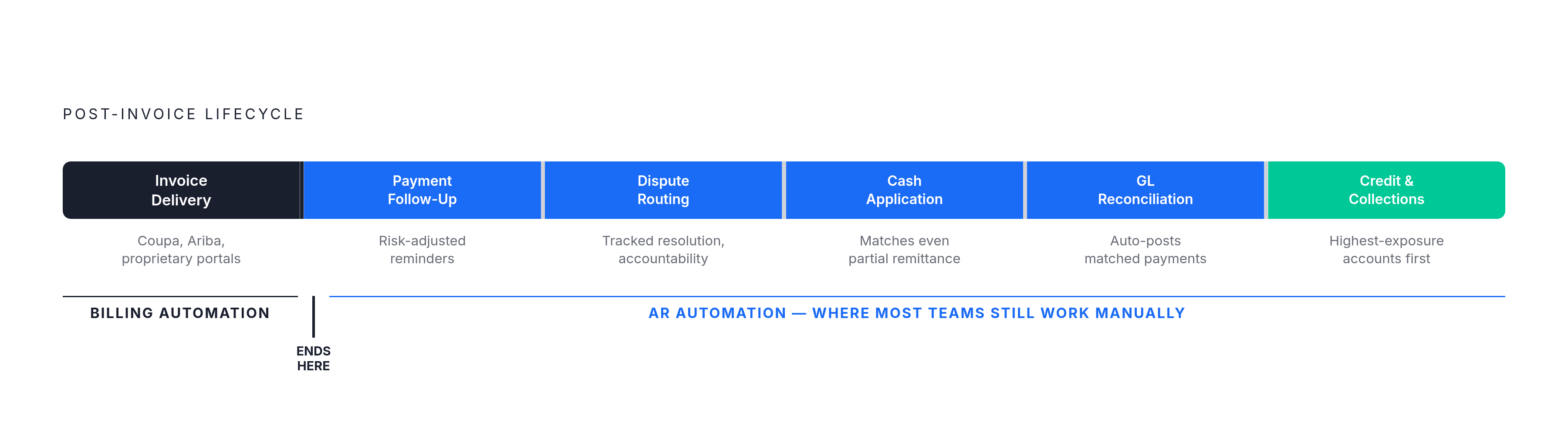
Treat the following as a checklist to run against any AR tool, because every item is a place where manual effort either disappears or quietly stays put.
Invoice delivery should mean more than an email send, including logging into customer portals like Coupa and SAP Ariba and other proprietary supplier systems, each with its own credentials, field requirements, and approval steps. Does payment follow-up and dunning run on a schedule that adjusts to risk, instead of sending the same reminder to every customer no matter their history? Does it route and track disputes and deductions so a disagreement over an invoice doesn't just sit there indefinitely, blocking payment with no one accountable for resolving it? Does it handle cash application, so it matches incoming payments to the right open invoices even when the remittance information is incomplete or one payment covers several invoices at once? Does it push reconciliation through to the general ledger on its own, so matched payments post without a human keying in a journal entry? Does it score credit risk and prioritize collections, so collectors spend their time on the accounts that carry the most exposure, instead of working through a list in whatever order it loaded? Every "yes" on that list is a category of work that's actually gone. Every "no" is a category someone on the team is still doing by hand, no matter what the sales deck calls it.
Portal complexity is the most underestimated manual workload in B2B AR
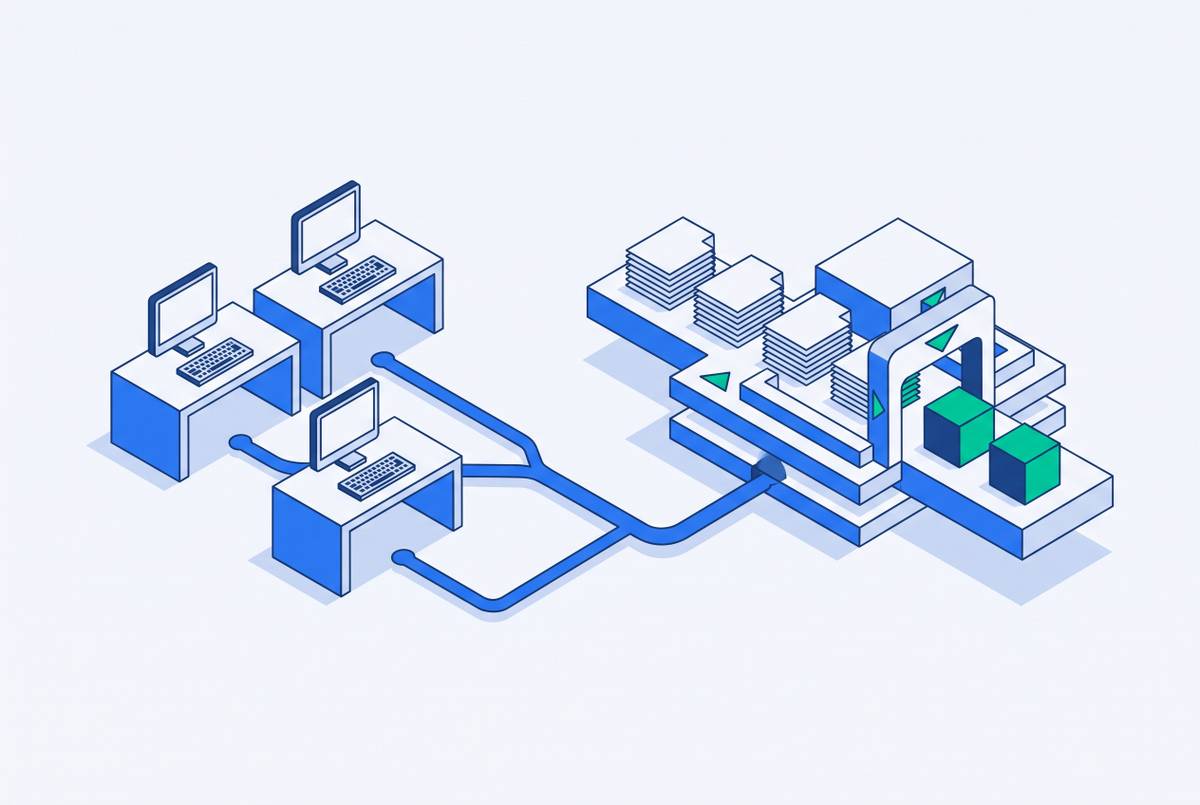
Of all six categories on that checklist, portal navigation is the one most AR tools quietly skip, and it's also the one costing finance teams the most hours nobody budgeted for. Large enterprise customers increasingly tell their suppliers: you don't get to just email us an invoice, you submit it through our portal, on our terms. Most AR tools respond to that requirement by shrugging and handing it back to the finance team to deal with manually. Each portal comes with its own login credentials, its own required fields, and its own approval workflow. The same invoice might need to be reformatted multiple different ways depending on which customer it's going to. Picture a supplier with several enterprise customers, each running a different portal with different rules: the same invoice has to be reformatted differently depending on where it's going.
And portals do go sideways, constantly. If an invoice fails a portal's validation rules, it just sits there, unpaid, until a human notices and fixes and resubmits it by hand. Customer unwillingness to pay has nothing to do with it. The delay is a paperwork jam, not a cash flow problem, and it gets misdiagnosed as the latter all the time. The math gets worse as a company grows, too: adding enterprise customers doesn't just add invoice volume, it adds new portals, each with its own quirks, so the manual burden compounds faster than the business itself does. Any tool that advertises "full AR automation" but still routes portal submission back to a human hasn't removed that work. It's built a nicer-looking workflow around the exact same task. Invoice Butler, an AI-powered accounts receivable tool that automates invoice follow-ups and portal submissions across email, phone, and SMS while pairing AI agents with human collections experts, is one option built specifically around closing that gap. Real automation on this front means the system logs into each portal on its own, uploads the invoice, maps the fields correctly, converts the format as needed, and satisfies the portal's validation rules without anyone standing by to babysit it.
Cash application: the highest-volume manual task automation can fully remove
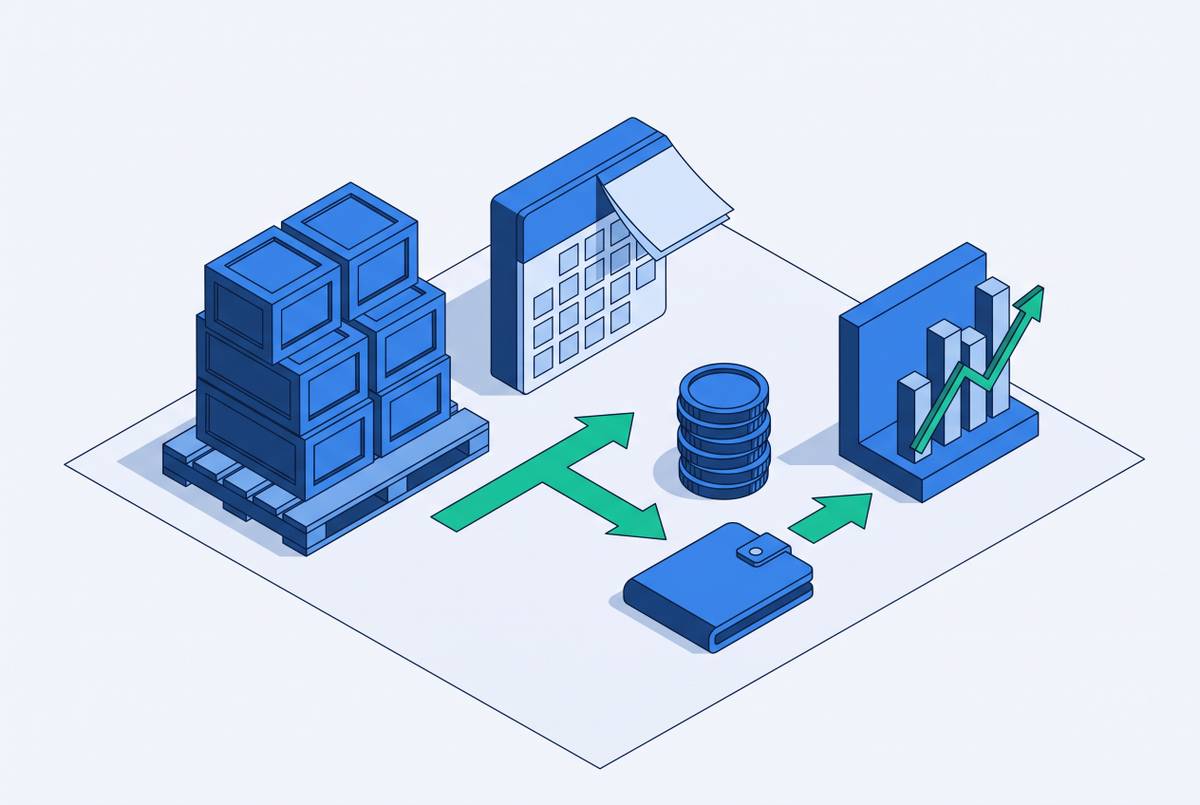
Cash application, matching the payment that just landed in the bank account to the specific invoice (or invoices) it's meant to settle, eats more manual hours in AR than almost anything else on the list, and it's also one of the categories that can be removed almost entirely. The reason it's so labor-intensive in the first place is that payments rarely arrive with clean, helpful documentation attached. Customers send partial payments. They bundle several invoices into one wire transfer with a reference line that explains nothing. They mail paper checks into a lockbox that someone then has to read, interpret, and key in by hand. Matching all of that correctly used to require a person with a spreadsheet, a lot of patience, and a tolerance for detective work.
Automated payment matching changes that math: reconciliation runs automatically against invoices and remittance advice, OCR reads and captures remittance data off scanned documents, and lockbox processing handles the paper-check side of things without a manual re-entry step. Don't look at the technology stack doing the matching. Look at what disappears from someone's desk once the matching happens on its own. The manual reconciliation task goes away. The journal entry that used to get typed in by hand goes away, because matched payments now post straight to the general ledger. And the AR aging report stops being a snapshot of last month's close, so now it reflects what's actually true right now. A finance team working off a stale aging report makes collections decisions based on information that's already out of date by the time anyone reads it.
The spectrum of tools: workflow automation vs. autonomous execution
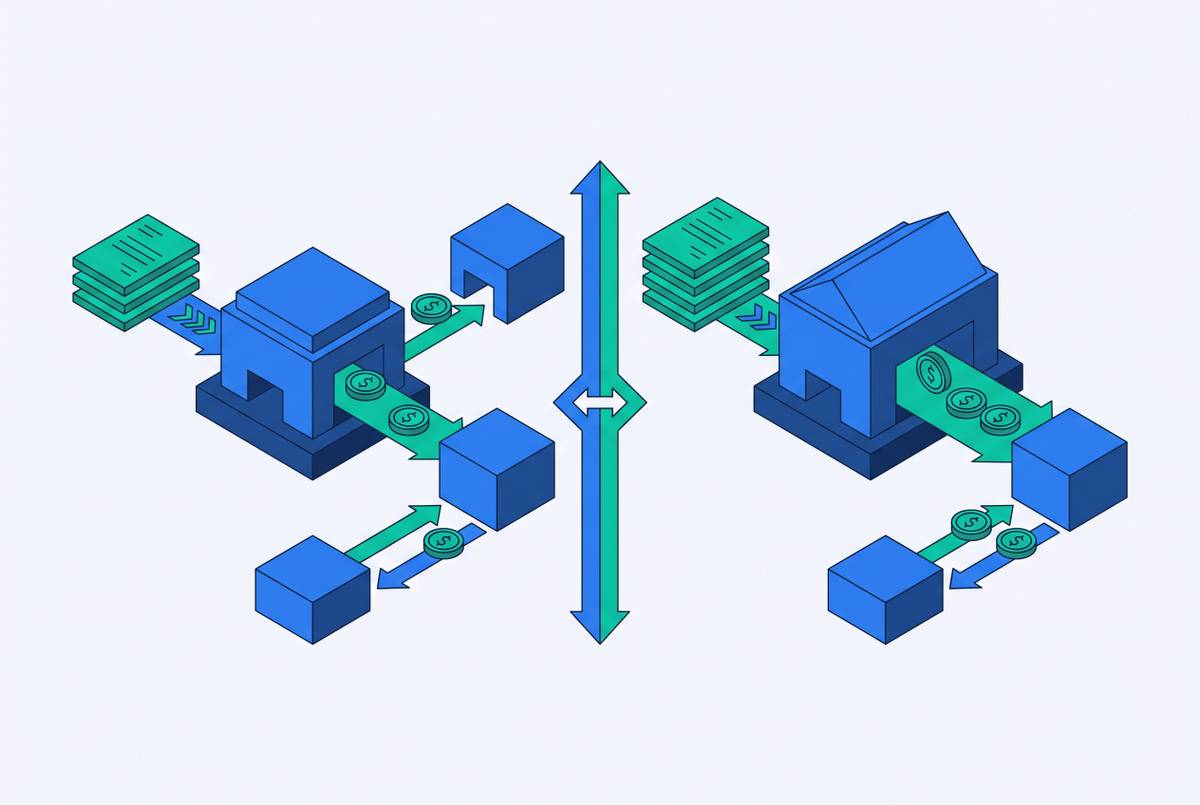
Once a tool covers the lifecycle checklist above, the next question is how much of that work still needs a human to finish it, and that's where the AR automation market splits in two. On one end sit workflow automation tools. They send reminders on a schedule, they hand collectors a dashboard and a prioritized worklist, and they flag exceptions that need attention, but the actual collection conversation, the dispute resolution, and the portal navigation still land on a person's plate. On the other end sit autonomous execution platforms, which handle the collection process end to end, including outbound and inbound communication, negotiation, dispute handling, and payment processing, with very few points where a human has to step in.
Treating these two categories as the same thing is the single most common mistake buyers make when evaluating tools. The distinction is about where the human is still required to do the work, not about which tool is more "advanced" on some single scale of sophistication. A workflow tool that correctly flags an at-risk account is genuinely useful, but someone still has to pick up the phone or send the email once the flag appears.
A fair caution belongs here, from the practitioner side of things: what's actually running in production in 2026 mostly looks like guided suggestions and guided execution. If a human isn't checking the work at some intermediate step, fully autonomous execution on financial processes remains experimental across most enterprise deployments. The IMF has raised governance concerns specific to agentic AI operating in payments, covering authorization traceability, opacity in how agents make decisions, correlated behavior across agents, cybersecurity exposure, and legal and liability questions nobody has fully settled yet. None of that makes autonomous tools bad. It means buyers should ask a sharper question than "is this AI-powered?" Ask instead where human effort remains in the process, and whether that's an acceptable amount of it for the organization buying the tool.
How leading platforms divide across this spectrum
The platforms leading the AR automation market in 2026 each occupy a distinct point on that workflow-to-autonomous spectrum, and the right fit depends on which stages of the lifecycle a given team most needs off its plate.
Esker was named a Gartner Invoice-to-Cash Magic Quadrant Leader for a second consecutive year in 2024, and was also named a Leader in Gartner's first-ever Magic Quadrant for Accounts Payable Applications in March 2025. The platform processes more than $1 trillion in annual transaction value, and it was acquired by a Bridgepoint–General Atlantic consortium in 2025, accelerating its AI investment. If you need proven ERP integration across SAP, Oracle, and Microsoft Dynamics, plus a deployment track record you don't have to take on faith, Esker fits mid-to-large enterprises like yours.
Sidetrade runs on its Aimie AI engine, and it predicts payment behavior, flags at-risk accounts, and generates autonomous collection scenarios on its own. As of April 2026, 24 Aimie Cash Collection agents were in production or rolling out at large enterprises. Sidetrade suits large enterprises that want AI-driven payment prediction and autonomous collection scenarios, built on genuinely deep behavioral data rather than simple rule-based reminders.
BlackLine was recognized in the Forrester Report on top AI use cases for accounts receivable automation in 2025, cited specifically for collection management, explainability and transparency, and model bias and inaccuracy. That combination makes it a strong fit for enterprises that need cash application accuracy alongside AI transparency, particularly in regulated environments where "the algorithm said so" isn't an acceptable answer to an auditor.
Serrala specializes in financial process automation with deep roots in SAP, and it covers accounts receivable, accounts payable, and treasury management under one roof. Its AR capabilities include AI-powered cash application, credit management, collections workflow, and dispute handling, all built to sit natively inside SAP ERP and S/4HANA. That makes it the natural choice for SAP-centric enterprises that need AR automation to sit inside their existing SAP architecture rather than bolted on as a separate system.
Quadient AR, formerly known as YayPay, streamlines collections through automation and predictive intelligence, and it's used by thousands of finance teams across technology, services, and manufacturing. Quadient's own figures show customers collecting cash meaningfully faster with much less manual effort, and the platform covers end-to-end invoice-to-cash work, including customer portals and AI-powered cash flow visibility. It suits mid-market and enterprise teams that want one platform instead of several stitched together, but enterprise deployments carry six-figure implementation costs.
AgentCollect takes the autonomous-execution end of the spectrum seriously by deploying one dedicated AI agent per account across email, voice, SMS, attorney demand letters, and the customer's payment portal. Disputes get handled autonomously, and the AI resolves a high share of them instantly; payment plans get negotiated in real time, and payments reach clients the same day they're collected. So if you want the autonomous-execution model, not the workflow-plus-dashboard model, and you're comfortable with a newer entrant still building out its enterprise track record, this profile fits you.
Skit.ai runs conversational voice AI that automates outbound and inbound collection calls, including right-party verification, payment negotiation, and the compliance disclosures regulators expect on a collections call. It has processed more than a billion consumer interactions and raised significant funding, and its customer base runs mostly toward US lenders, banks, BPOs, and collection agencies, along with healthcare, auto finance, and telecom. It's built for high-volume consumer collections, so it's a strong tool in that lane, but it's a less direct fit if you need B2B invoice collections specifically.
Lining these platforms up against the lifecycle checklist and the spectrum framework from earlier shows no single tool wins on every axis, but every tool here is honest about where it sits. The job for a buyer is figuring out which lifecycle stages are costing the most manual hours right now and picking the tool built to remove exactly those, not finding the one platform that does everything.
Sources
- Accounts Receivable Automation: Complete Guide to Boosting Collection Rates in 2026 - Monto
- Best practices for accounts receivable automation in 2026
- Accounts Receivable Software Options 2026: Independent Buyer Guide
- Accounts Receivable Automation: 2026 Guide for Finance Teams
- Accounts Receivable Automation Software: 2026 Guide - Bookkeeping and Accounting
- Accounts Receivable Automation Software