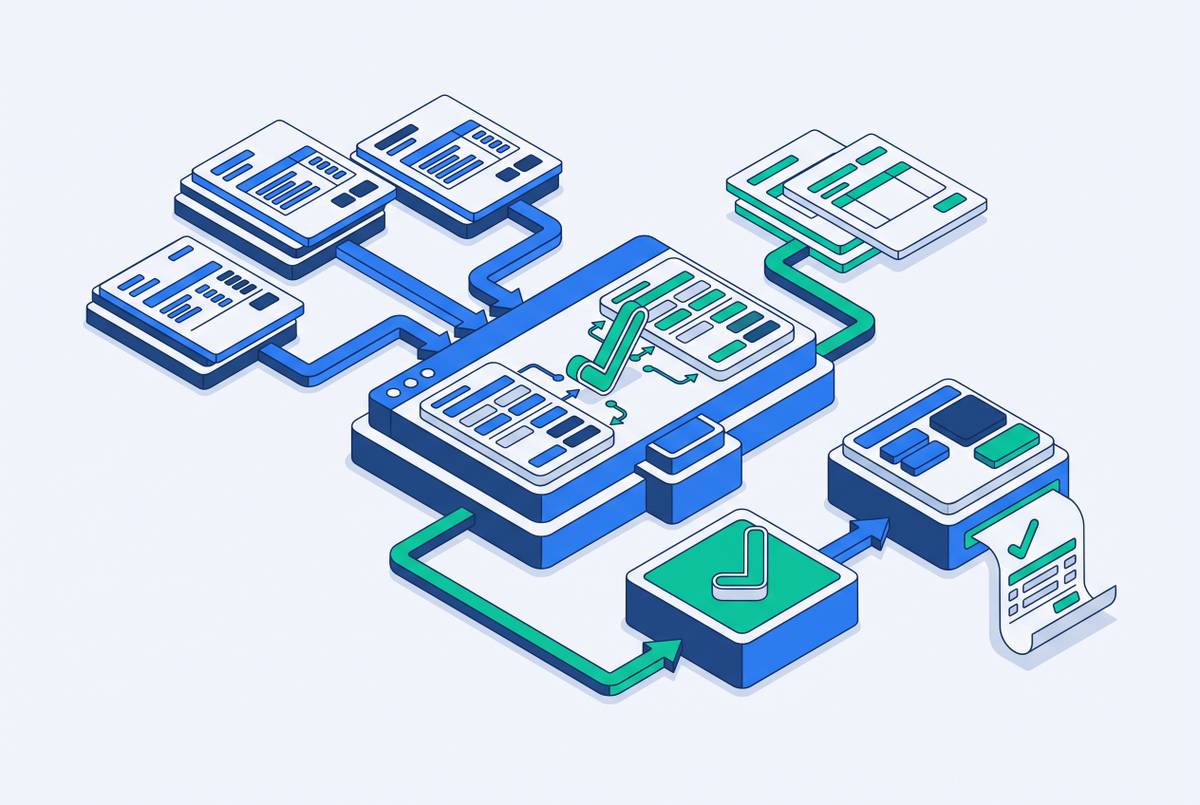
AR automation tools with supplier portal upload support
Suppliers juggle 30+ portals, so AR automation that actually uploads invoices matters most.
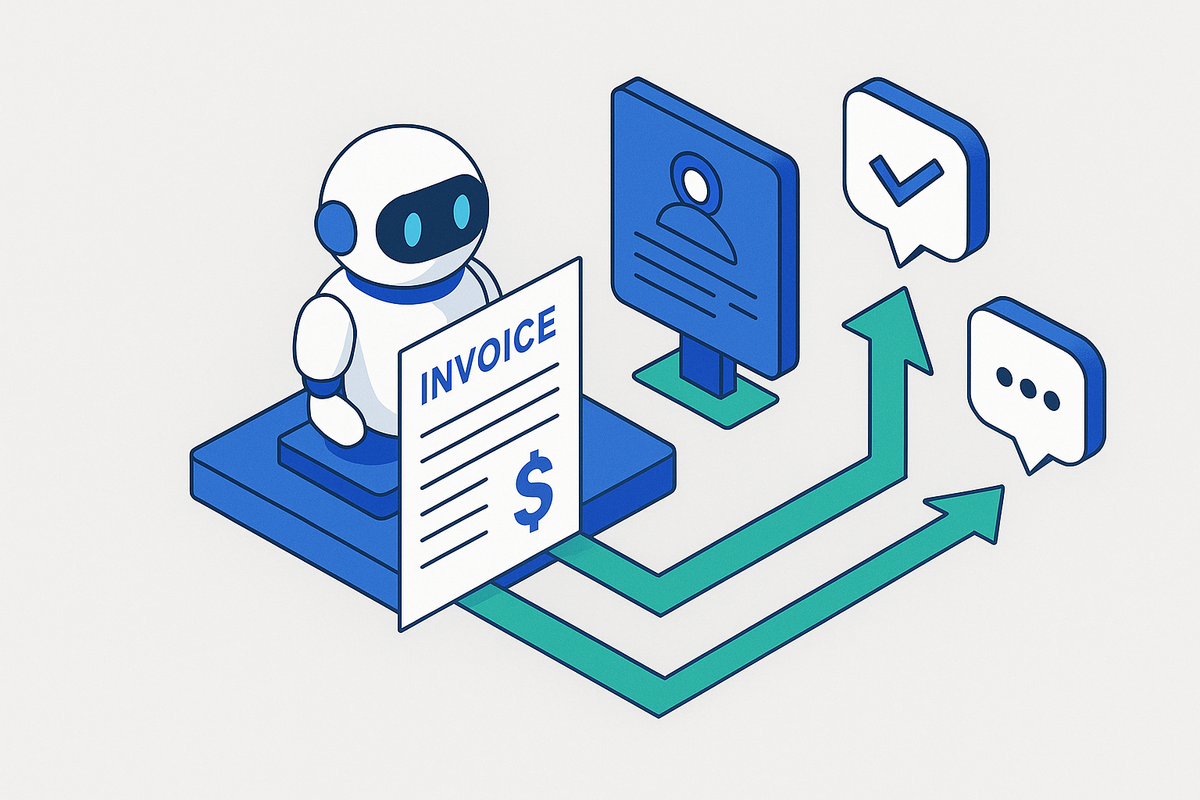
Picture an AR clerk logging into Coupa, one of 100+ supported AP portal connections including Ariba, for posting invoices and retrieving AR information. Then Ariba. Then Oracle. That's not a bad morning.
Enterprise buyers have rebuilt how they accept invoices, and the new rule is simple: submit through the buyer's chosen AP portal or get rejected, even if the invoice itself is flawless. A mid-market supplier typically juggles 30 to 50 of these portal relationships at once, each with its own login, its own authentication quirks, and its own idea of what a "valid" invoice looks like. Buyers simplified their own procurement. Suppliers inherited the mess.
The pain concentrates hardest on manufacturers and distributors, because their biggest customers, the retailers and distributors who write the largest checks, are also the ones who mandate portal submission as a cost of entry. AR teams spend real hours every week manually logging into Ariba, Coupa, and Tungsten just to upload invoices and check on payment status, hours that never make it to collections strategy or dispute resolution. Tools like Invoice Butler, an accounts receivable automation platform that uses AI agents alongside human collections experts to chase overdue invoices and navigate supplier portals on a company's behalf, exist precisely because that manual burden eats the capacity AR teams should be spending elsewhere. For mid-market manufacturers, a good chunk of DSO drag has nothing to do with customers refusing to pay. It comes from portal upload backlogs and manual payment matching, the unglamorous plumbing nobody budgets for.
How AR automation tools divide at the point of portal delivery
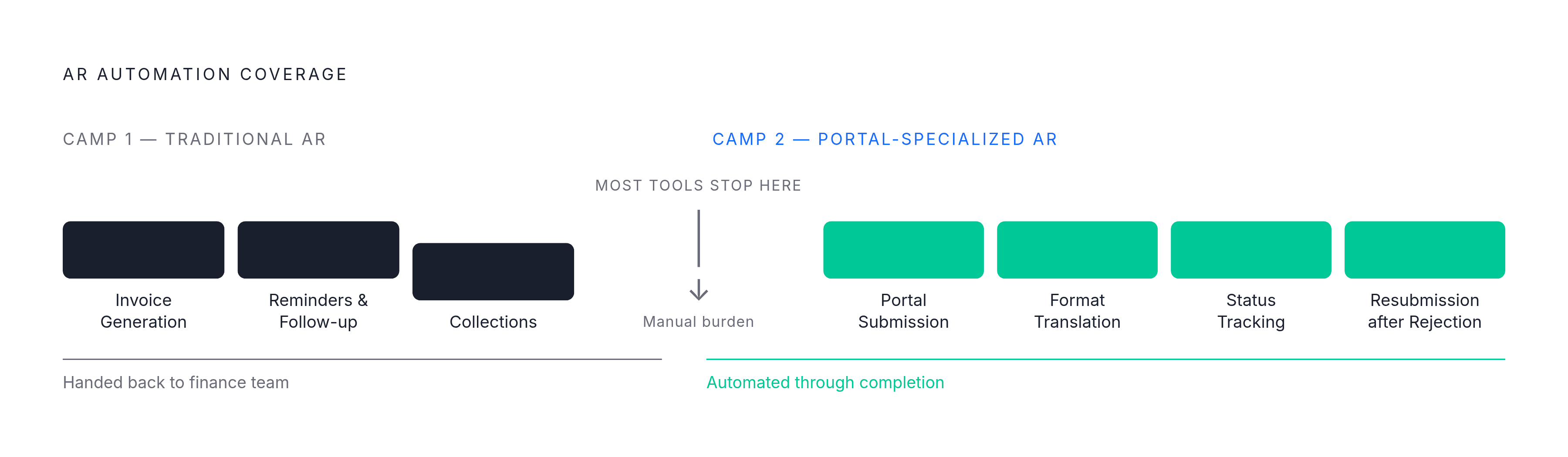
Not all "AR automation" means the same thing, and the industry has quietly split into three camps, with the camp a tool belongs to determining how much portal work still lands on a human.
The first camp, traditional AR automation, handles invoice generation, reminders, and collections management, but stops cold at the moment the invoice needs to go somewhere specific. Submission to the actual portal gets handed back to the finance team. The second camp, portal-specialized AR automation, keeps going. It has to manage submission across multiple customer portals, and each one has different requirements, so that navigation is a core job, not a footnote.
The real test isn't whether a vendor's website mentions "portal support." You have to ask if the tool can execute actions inside someone else's system, because most AR software can't, so the manual portal work keeps happening the same way, automation or not. A platform that writes a flawless invoice but can't get it into the customer's portal has only solved the easy half of the job. Everything AR teams actually complain about, logging in, reformatting files, uploading one at a time, checking status, resubmitting after a rejection, lives entirely in the portion that traditional tools never touch.
What genuine portal upload support requires under the hood
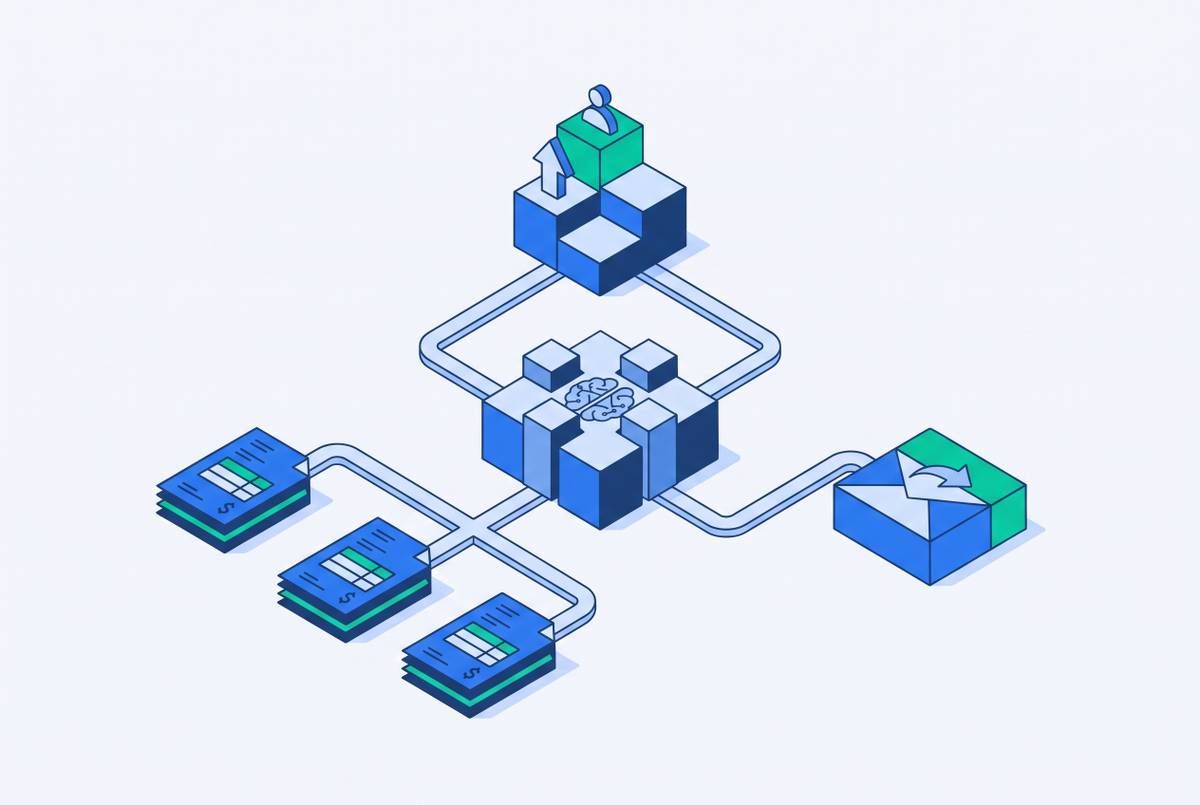
Portal upload support is an architecture decision that requires a platform to hold authenticated sessions open, translate data between formats, check submissions against portal-specific rules, and track what happened to each one in real time.
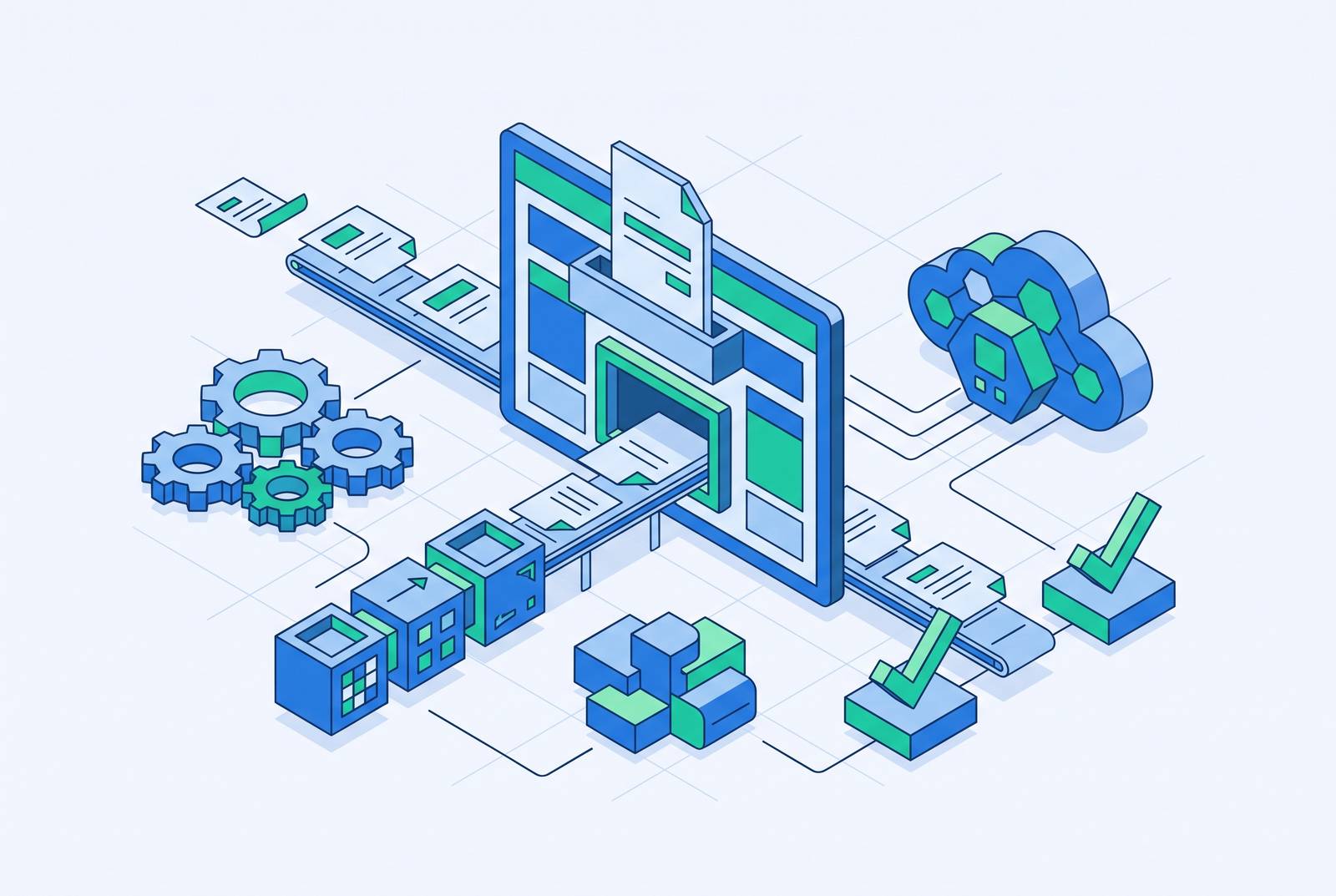
Standard implementations take 2–3 months, while complex multi-ERP deployments can extend to 6–12 months. Where a portal exposes an API, automation can submit invoices, check status, and pull remittance data without a human ever logging in, with middleware doing the translation between the ERP's data structure and whatever shape the portal wants. Where no API exists (and plenty of portals still don't offer one), newer platforms send in an AI agent that logs in and clicks through the same screens a person would, navigating menus, uploading files, filling in fields, all without a human at the keyboard. You need no custom-built connector for every portal with this agent approach, so it scales faster when the portal landscape is messy and inconsistent.
But neither approach means much if validation isn't built in before the invoice ever leaves the building. A capable system checks that required fields are filled, that formats match what the portal expects, and that attachments meet size and type rules, so it catches the problem before submission, not after a rejection notice arrives. Status tracking matters just as much: a single view showing submission confirmation, approval progress, and payment scheduling across every portal, so the AR team follows up because something looks off rather than because a customer finally calls asking where their payment went.
Portals also change constantly: they update their interface, their login flow, their validation rules, without warning. A system worth using detects those changes and adjusts instead of breaking silently, so it doesn't quietly generate a fresh batch of failed submissions that nobody notices until the cash doesn't show up.
None of this matters if the data doesn't flow back correctly once the portal processes it. Integrations that only sync at the surface level handle basic invoice data fine but lose real-time status updates, while deeper integrations post payments, partial receipts, and remittance data straight into the AR subledger without anyone having to reconcile it by hand. Batch processing leaves a gap of multiple days between when a payment lands and when the subledger reflects it. Real-time API sync closes that gap, so the bottleneck that otherwise occurs right at month-end close, when everyone's already scrambling, doesn't hit.
Portal Capability and First-Pass Acceptance Rates
Invoice rejection rates have climbed so sharply that pre-submission validation is no longer a nice extra, and buyers now compare tools on it directly. First-pass acceptance rate, the share of invoices a portal accepts the first time without a bounce-back, is now the single number that separates a platform that understands a customer's portal from one that's just guessing.
The cost of getting it wrong compounds fast. Every rejection delays payment, kicks off a resubmission process, eats up investigation time, and puts a little more strain on the customer relationship, and at scale, a backlog of these rejections stretches DSO directly. A platform with a high first-pass acceptance rate is proving its validation logic actually understands a portal's rules, not just its file format. A platform with a low one quietly generates delays and overhead that appear weeks later as a cash flow problem.
Monto reports a 99% first-pass acceptance rate, and the company attributes this to an AI validation engine that learns each customer's specific requirements on its own and adjusts automatically when a portal changes, with no manual reconfiguration required. If a portal changes something, rule-based validation needs a person to go in and update the rules, but AI-powered validation learns the new pattern and keeps working, and that difference matters more each year as portal requirements shift alongside new regulatory mandates.
Four platforms handle portal upload: Stuut, Monto, Esker, and Quadient AR
When finance teams put tools in front of each other for evaluation, they rarely differ on whether they claim portal support. They differ on how deep that support runs, how fast it gets switched on, and what's still left for a human to clean up afterward.
Stuut runs as an AI agent that carries out AR work on its own: logging into portals, matching payments, resolving deductions, and reaching out to customers by email, text, and phone, all without a person stepping in. On the deployment side, its portal approach needs no changes to the ERP, so a standard single-entity API integration can go live within days, and multi-site rollouts finish within weeks, not quarters. In practice, that means the agent logs into customer systems, uploads invoices, checks payment status, and updates the ERP, and nobody on the AR team touches the portal at all. Deduction management runs the same way, identifying, investigating, and resolving deductions without a human in the loop, which matters because deductions and portal rejections tend to tangle together in manufacturing AR. Bishop Lifting went live across dozens of branches in a matter of weeks, and it cut overdue receivables enough to free up $3M in working capital. Stuut's strength is speed to value and fully autonomous execution, so it fits industrial B2B manufacturers who need to see results this quarter, not next year.
Monto takes a different route, building its architecture specifically around multi-portal complexity, with connections to over 500 customer AP platforms, including the proprietary systems enterprise customers often run alongside the usual Ariba, Coupa, and Oracle. Its AI validation engine learns each customer's requirements on its own. That is where that 99% first-pass acceptance figure comes from. Monto's strength is sheer breadth of portal coverage paired with validation smart enough to keep up, making it a natural fit for suppliers whose enterprise customers run on a wide spread of different portal systems.
Esker covers more than 100 connections with the most common AP portals, including Coupa and Ariba, along with customer-facing portals for posting invoices and pulling AR information. Esker has been named a Gartner Magic Quadrant Leader for Invoice-to-Cash Applications for the second consecutive year as of 2024. It also handles compliance across more than 60 countries through a partnership with Sovos, which includes France's mandatory e-invoicing rule taking effect September 1, 2026, requiring large and mid-size companies to issue e-invoices, with every company required to be able to receive them from that same date. The trade-off appears in timeline: standard implementations run 2 to 3 months, and complex multi-ERP deployments can stretch to 6 to 12 months. Esker's strength is breadth of integrations and regulatory coverage, at the cost of a longer runway than the AI-agent platforms offer.
Quadient AR takes a noticeably different shape. It pairs AR automation with a collaborative payment portal where customers view invoices, raise disputes, and pay, all inside one shared environment, and that buyer-facing collaboration is where its strength actually sits, rather than in pushing invoices out into the buyer's own procurement portal. It uses AI to predict payment behavior and prioritize collections, and you can set up automated reminders and escalation workflows, with one place to track disputes and exceptions. Its depth on outbound submission into third-party portals runs shallower than what Monto or Stuut offer, so a buyer evaluating it should check its coverage against their own specific list of customer portals before assuming it handles them. Quadient AR fits best when an organization's main need is a shared space for customer collaboration, not active navigation of the buyer's own procurement system.
The two trade-offs buyers must resolve before selecting a portal-capable tool
Picking among these tools isn't a spec-sheet exercise. It comes down to two real trade-offs, and which one matters more depends entirely on the buyer's own situation.
The first is coverage breadth against implementation speed. AI-agent platforms that don't rely on pre-built connectors can go live in days and handle portals they've never seen before, but this is newer technology, so it has less history to point to and less established auditability. If you've watched a long implementation chew through budget and deliver nothing to show for it, deployment risk weighs just as heavily as feature depth, and you have to ask whether the business needs results this quarter or can afford a slower ramp.
The second trade-off is connector-based reliability against agent-based flexibility. The strongest knock against AI-agent portal automation is reliability and auditability: an agent that works by mimicking browser clicks is fragile the moment a portal changes its interface or login flow. If the agent itself starts causing a new wave of errors, mismatched fields, failed logins, that risk can be harder to catch than a rules-based connector failing, because nothing looks wrong until a payment simply never arrives. Connector-based platforms, in exchange, behave more predictably within the portals they already cover, but they leave gaps outside that list, and those gaps are exactly where manual work quietly crawls back in.
A simpler threshold question produces both trade-offs: how many customers actually require portal submission. If fewer than roughly 30% do, the cost and complexity of a portal-specialized tool may outweigh what it delivers, and you could get better returns from a simpler invoicing and collections setup while keeping operations easier to manage. Scale changes that math fast. Once a company is dealing with 20 or more active portal relationships, the manual burden consumes the AR team's entire week, which is the exact condition this whole piece started with.